Commercial buildings
Entrances, lobbies, hallways and common areas.

Professional security cameras for retail stores, offices, restaurants, warehouses and parking lots, with design, installation and video access based on your configuration.
We choose the camera type, lens, resolution, night vision and storage based on distance, lighting, environment and the level of detail required.
Security cameras designed for commercial buildings, retail stores, warehouses and offices. Every installation is planned to monitor entrances, traffic areas and sensitive spaces.
Entrances, lobbies, hallways and common areas.
Entrances, cash registers, stockrooms and sensitive areas.
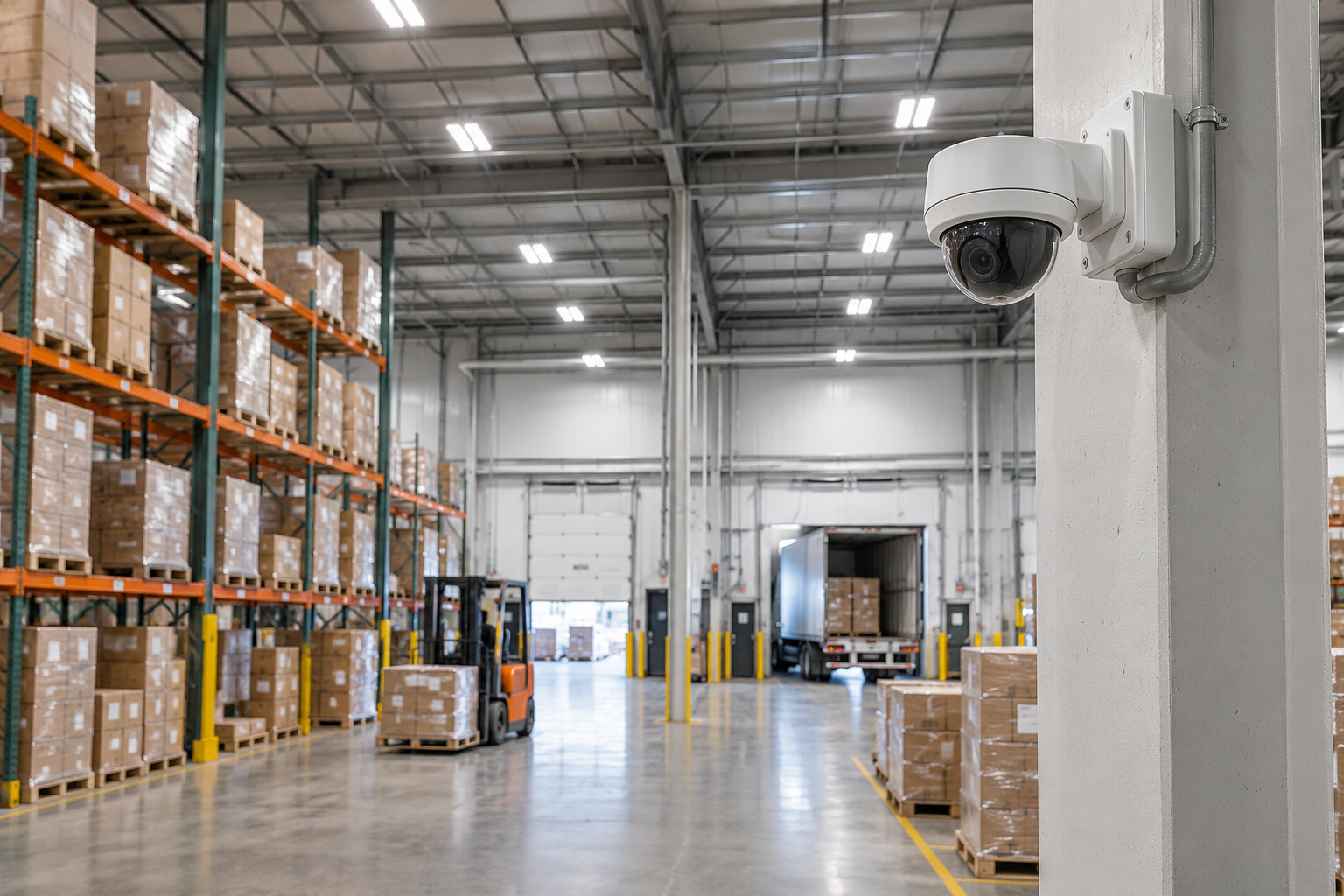
Loading docks, doors, aisles and inventory.
Reception, meeting rooms, entrances and workspaces.
Dome cameras for indoor spaces, bullet cameras for outdoors, turrets for versatile coverage, PTZ for large perimeters and an NVR to centralize recordings. Discover the models available for your building and your needs.
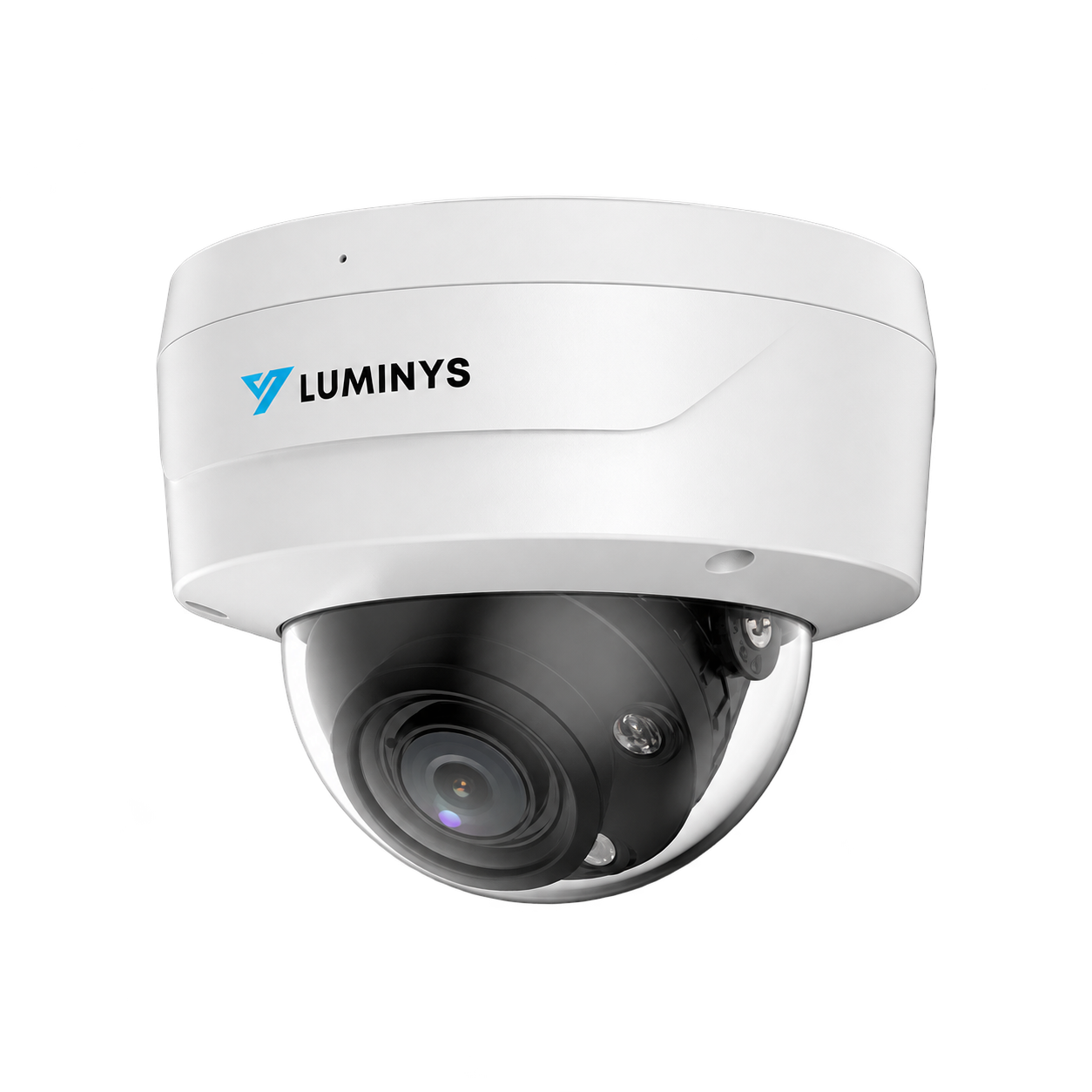
A discreet dome camera for offices, hallways, retail stores and indoor areas where precise framing matters.
View full page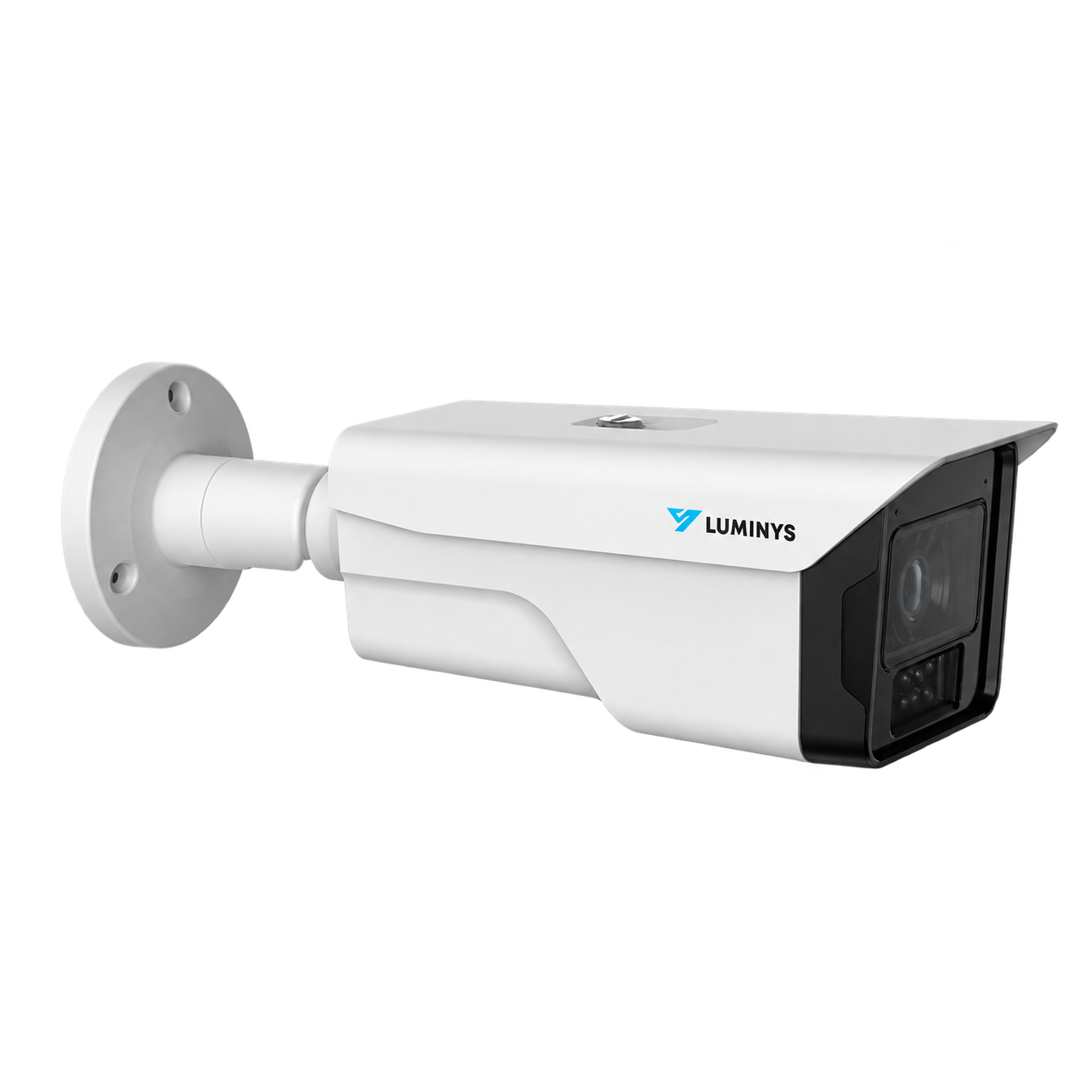
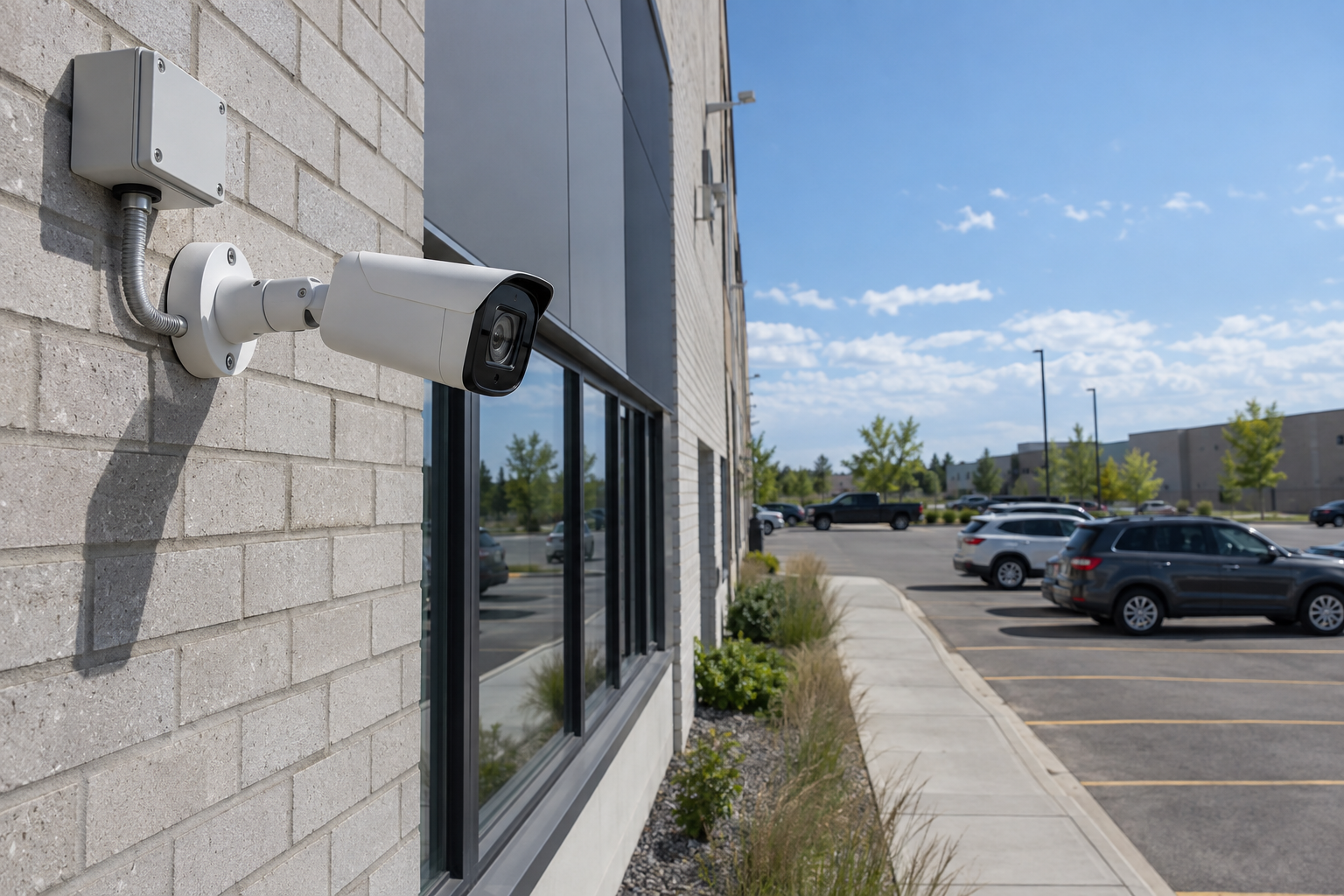
A visible outdoor camera for building fronts, loading docks, parking lots, yards and long commercial areas.
View full page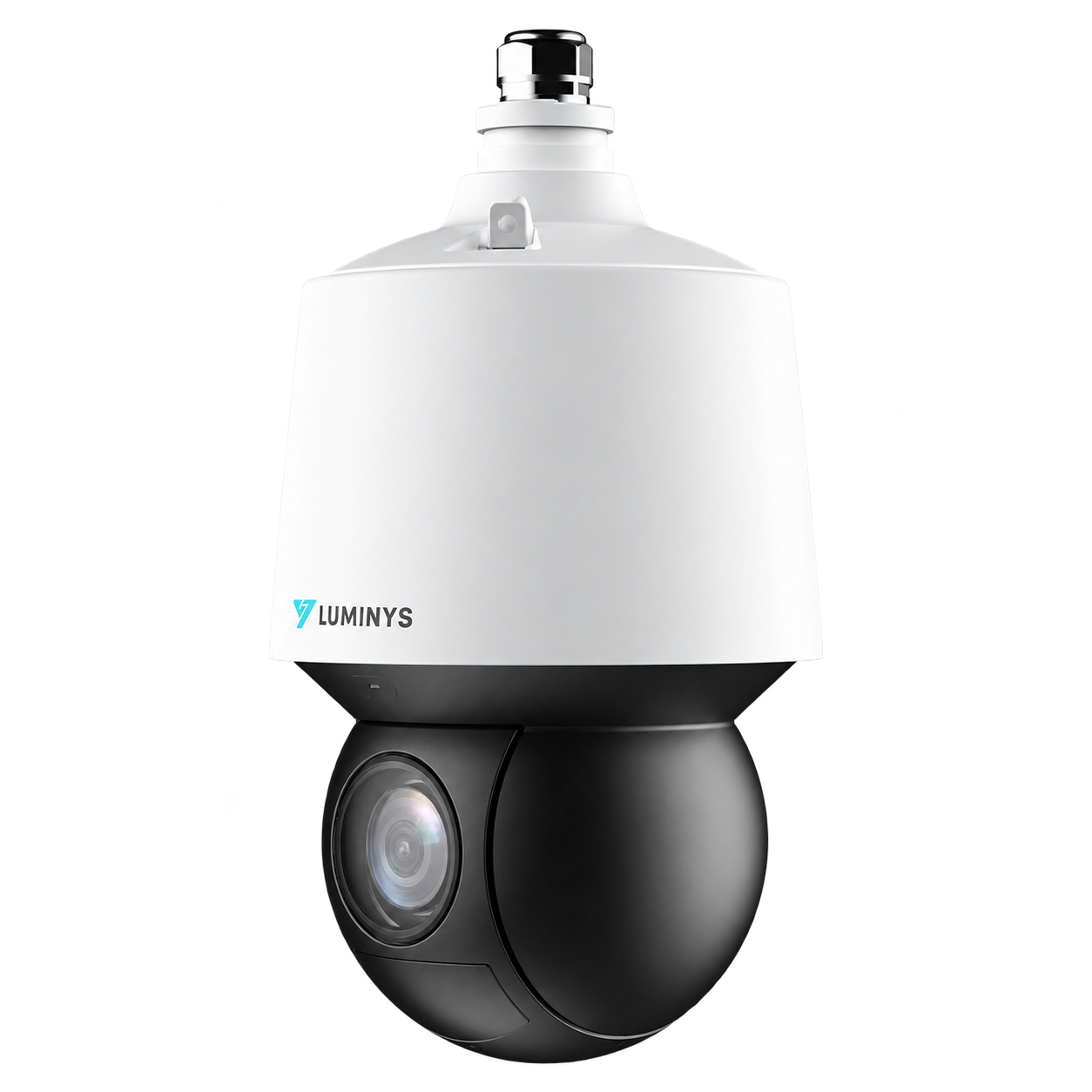
A motorized camera to follow a large perimeter, inspect a distant area and complement fixed cameras.
View full page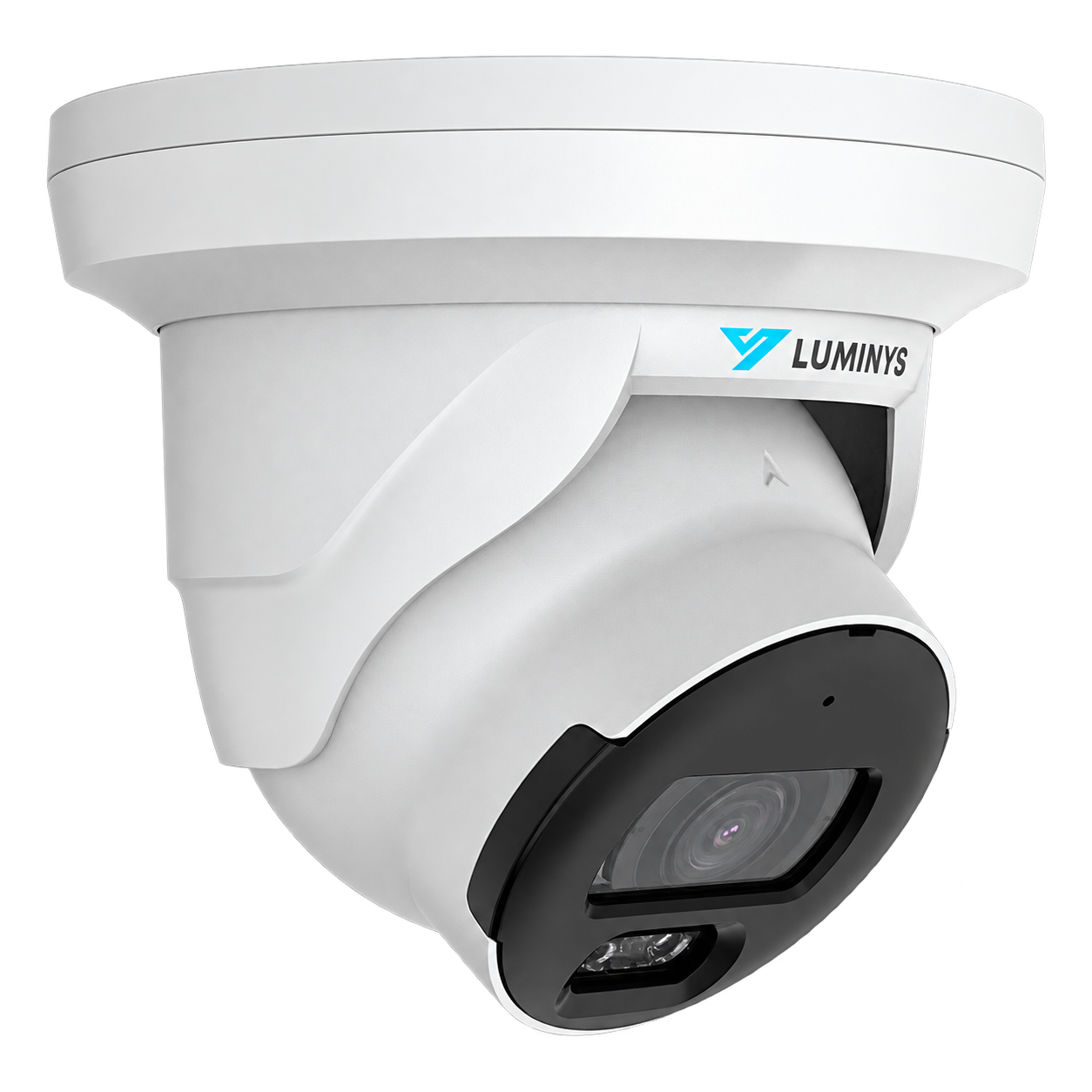
A color night vision solution that preserves useful detail when lighting drops.
View full page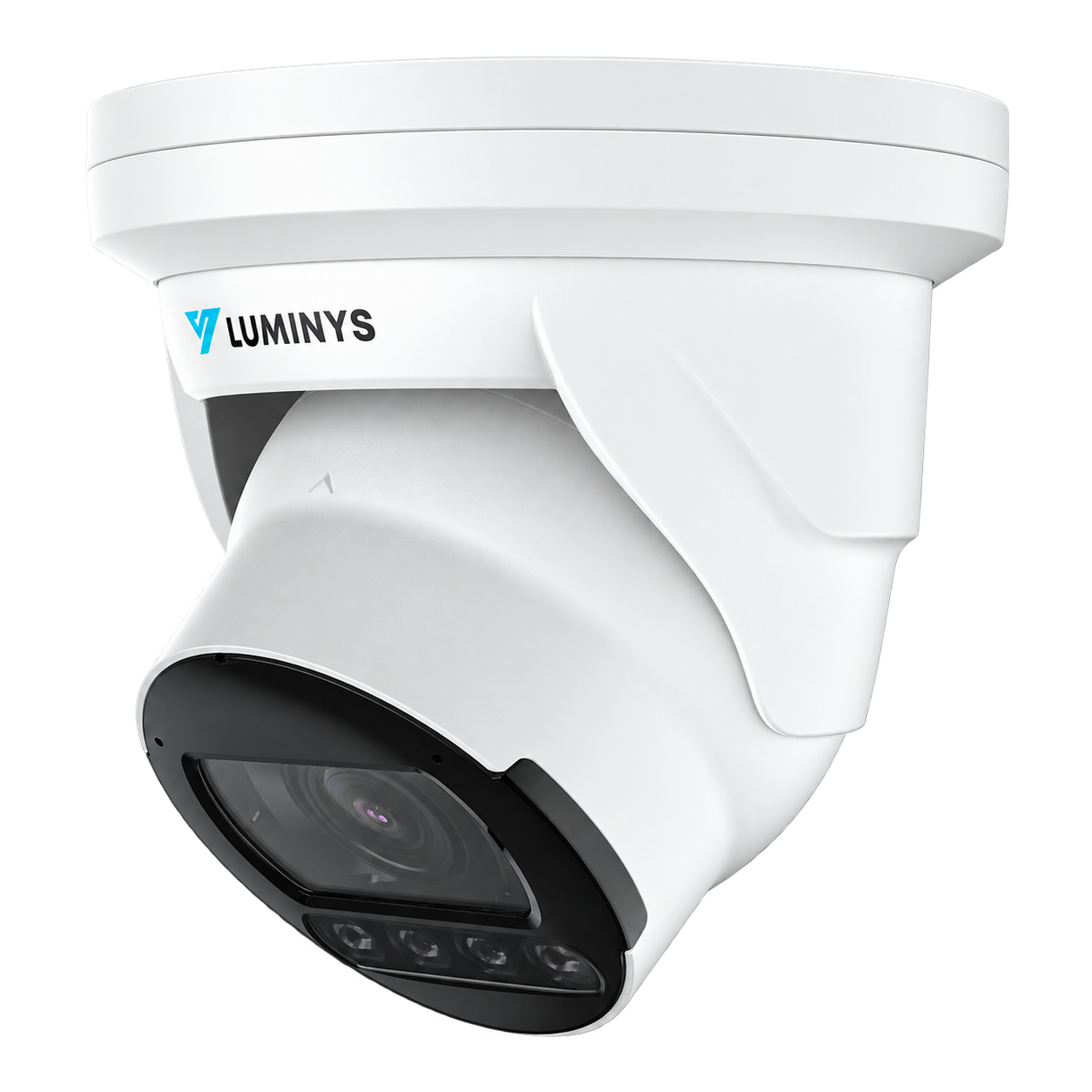
A versatile format for professional sites, with night illumination and features available depending on the model.
View full page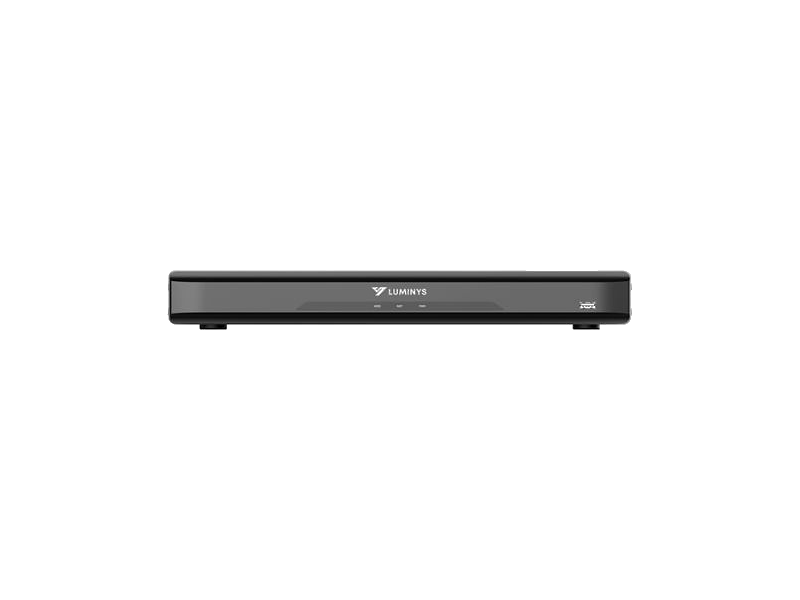
The heart of the system: it receives IP streams, records locally and enables search, playback and export depending on the configuration.
View full pageThe right mode depends on available light, the distance to cover and the level of identification required.
Infrared LEDs light up a scene that is invisible to the eye. The camera switches to monochrome to capture a sharp image in the dark, with no visible white light.
Depending on the model, the camera uses IR and then turns on white light when an event occurs. This captures color at the moment that matters.
Specialized models favor a color image in very low light, with white LEDs or advanced image processing depending on the camera chosen.
The NVR receives the IP camera streams, stores them on surveillance-grade hard drives and enables search, playback and export. The range covers 4 to 128 channels depending on your commercial video surveillance project.
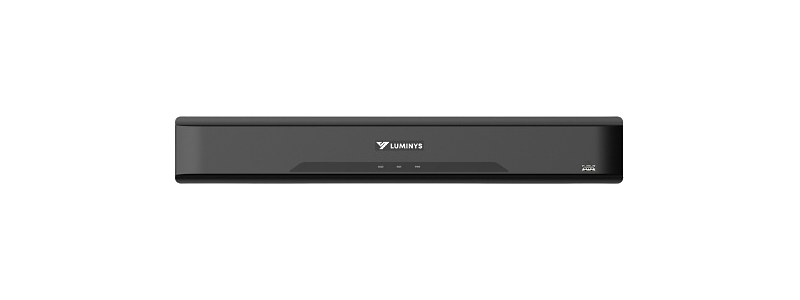
A flexible foundation for a store, an office or a professional site with several areas to cover.
Continuous, scheduled or event-triggered mode. Footage stays recorded locally even if Internet access is interrupted.
Drive capacity is determined by the number of cameras, resolution, bitrate, frames per second and the desired retention period.
On compatible models, a single network cable carries both video and power between the camera and the NVR.
Find a time period or an event, then export a time-stamped clip to keep or share it.
View live video and recordings from a phone or computer once secure access is configured.
We plan extra channels, bandwidth and storage to make adding cameras easy in the future.
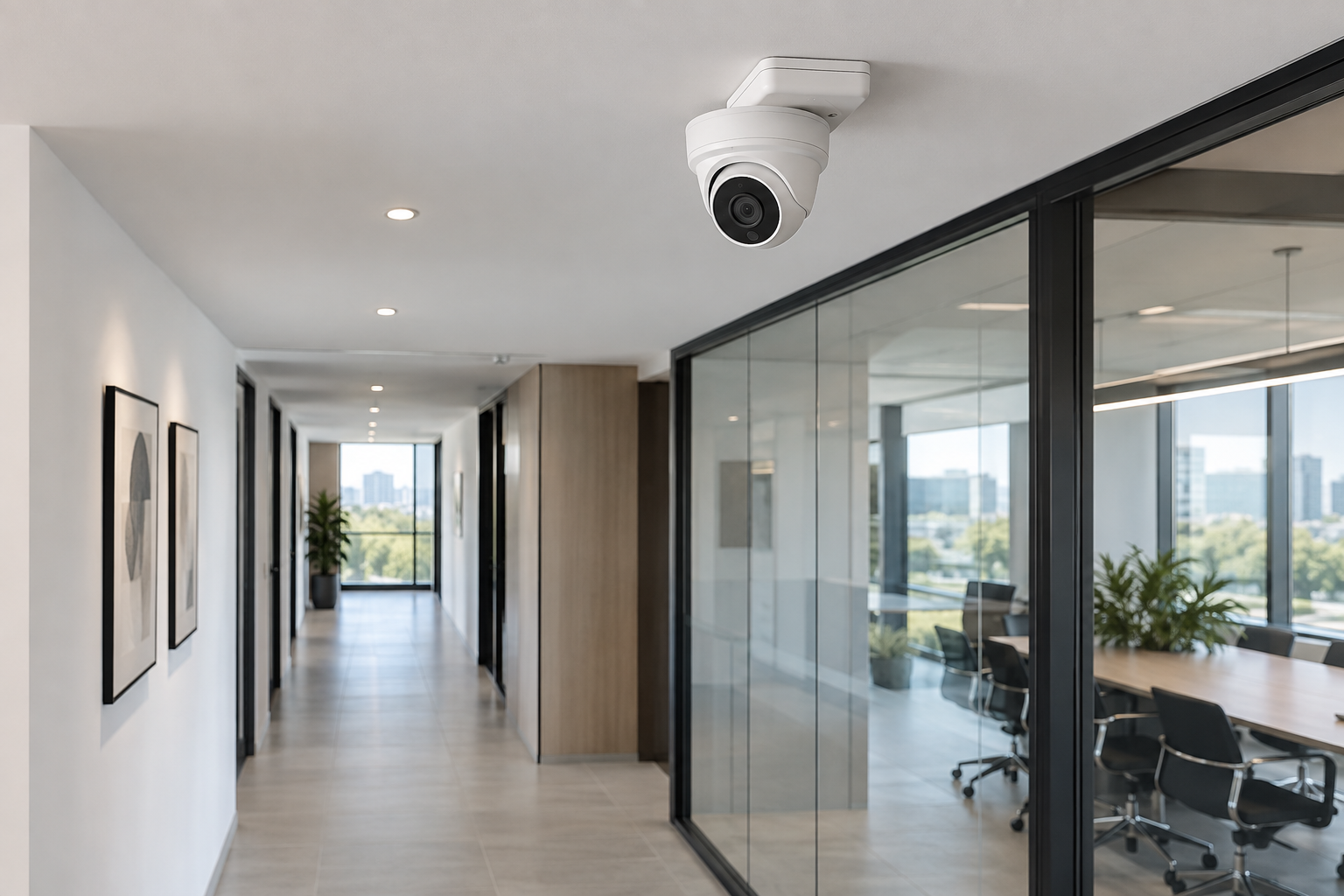
The format and location are chosen based on the area to cover: indoor ceiling, building exterior, warehouse or parking lot.
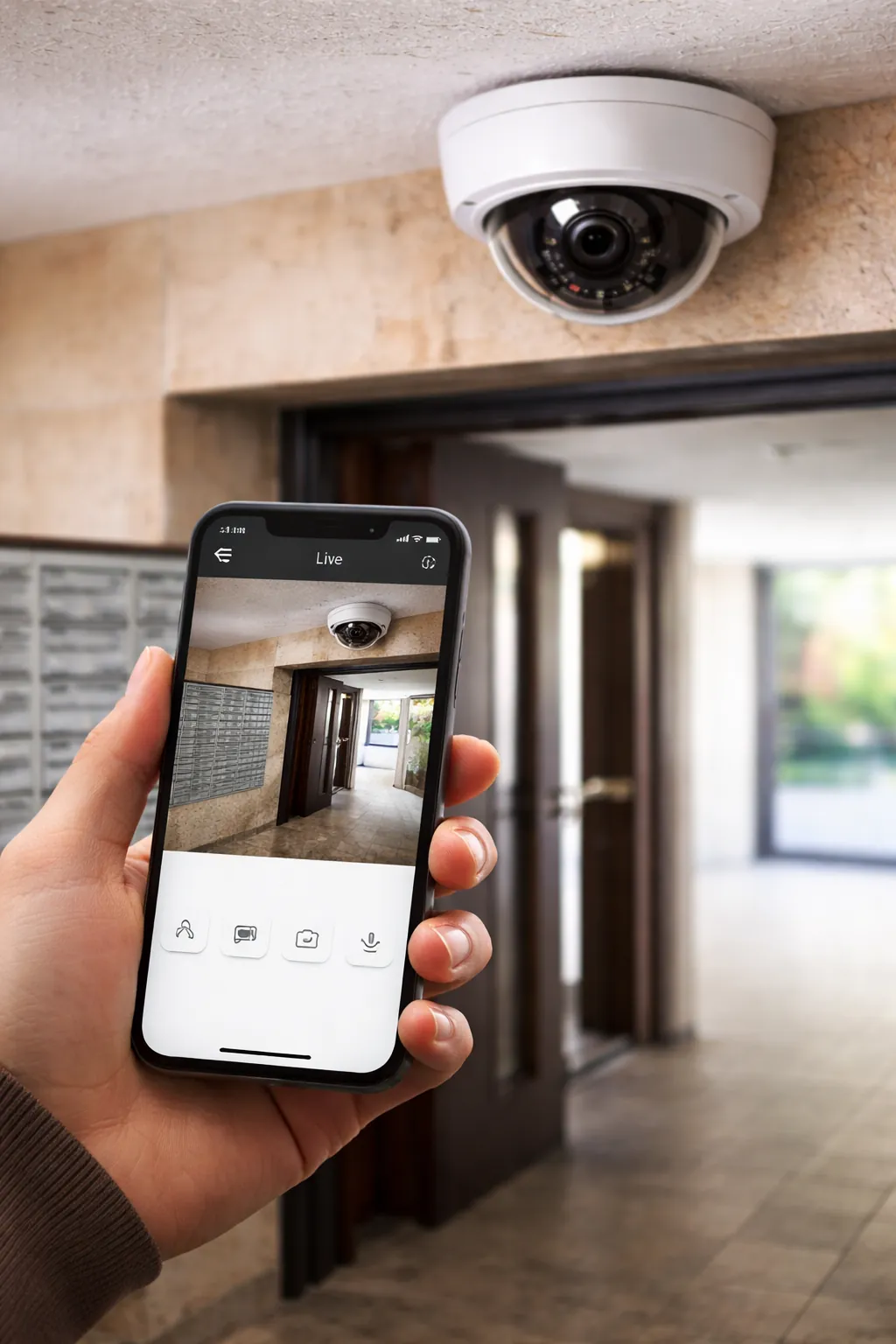
View live images, search recorded footage and keep convenient access to your system when the chosen solution allows it.
IP cameras can be connected to the network and the NVR by cable, with PoE power when the configuration allows. Local recording reduces reliance on Wi‑Fi and makes it easier to keep video surveillance footage.
Video analytics available on some models can help filter footage and speed up searches. We only configure the tools that are relevant to your environment.
Solution Alarme Plus handles the design, cabling, installation and configuration of your system.
Areas to protect, distances, lighting, risks and retention period.
Selection of cameras, NVR, storage, mounts and network.
Cable runs, positioning, image adjustments and connection.
Remote access, users, notifications and onboarding.
Features, resolutions, storage capacities, night performance, analytics and compatibility vary depending on the exact model and configuration. A technical validation is carried out before every quote.
Yes, an NVR setup can be configured for continuous recording. The available retention depends on the number of cameras, resolution, video bitrate and drive capacity.
Yes, remote mobile access can be configured with the app or platform compatible with the chosen system.
An IP camera transmits video over a network. In a CCTV installation, several IP cameras can be connected to an NVR that centralizes recording, search and export.
4K can provide more detail at an entrance, a cash register or a parking lot, but the choice also depends on distance, lens, lighting, storage and bandwidth.
Infrared produces a discreet black-and-white image in the dark. Color night vision uses white light or low-light technology when identifying colors is important.
The NVR range covers configurations from 4 to 128 channels. We choose the current capacity with a reasonable margin for future additions.
Local NVR recording can continue on the internal network. However, an Internet connection is required for remote access and some cloud features.
The cost depends on the number of cameras, the technology chosen, cabling, storage, configuration and the complexity of the building. A quote is prepared after the site assessment.
Get a recommendation tailored to your commercial building, your budget and your video retention needs.