💬 Un expert est disponible maintenant
ALARM SYSTEMS · North Shore

Alarm systems on the North Shore.

From the front door and garage to a business entrance, we plan the installation around the property's actual layout.

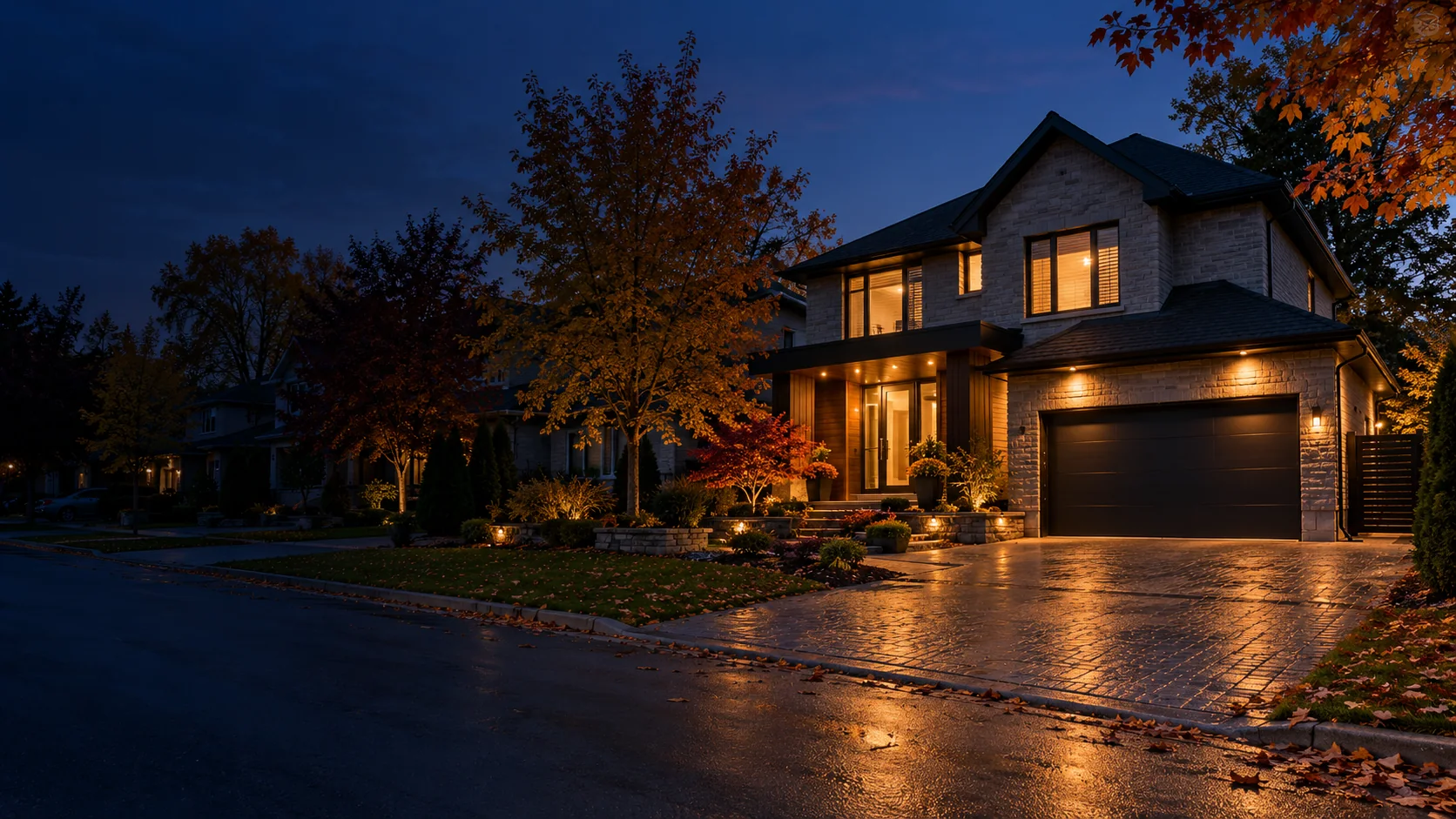
Illustrative setting. Installation depends on your property.
BUILT AROUND YOUR NEEDS

Start with the entrances at your property.

On the North Shore, a house with an attached garage, a condo and a small business have different access points. A useful setup begins with understanding the building, without assuming every address needs the same camera package.

We consider how people come and go, accessible openings and the available network. Then we explain which sensors, cameras or remote-control features fit the project.

See client reviews
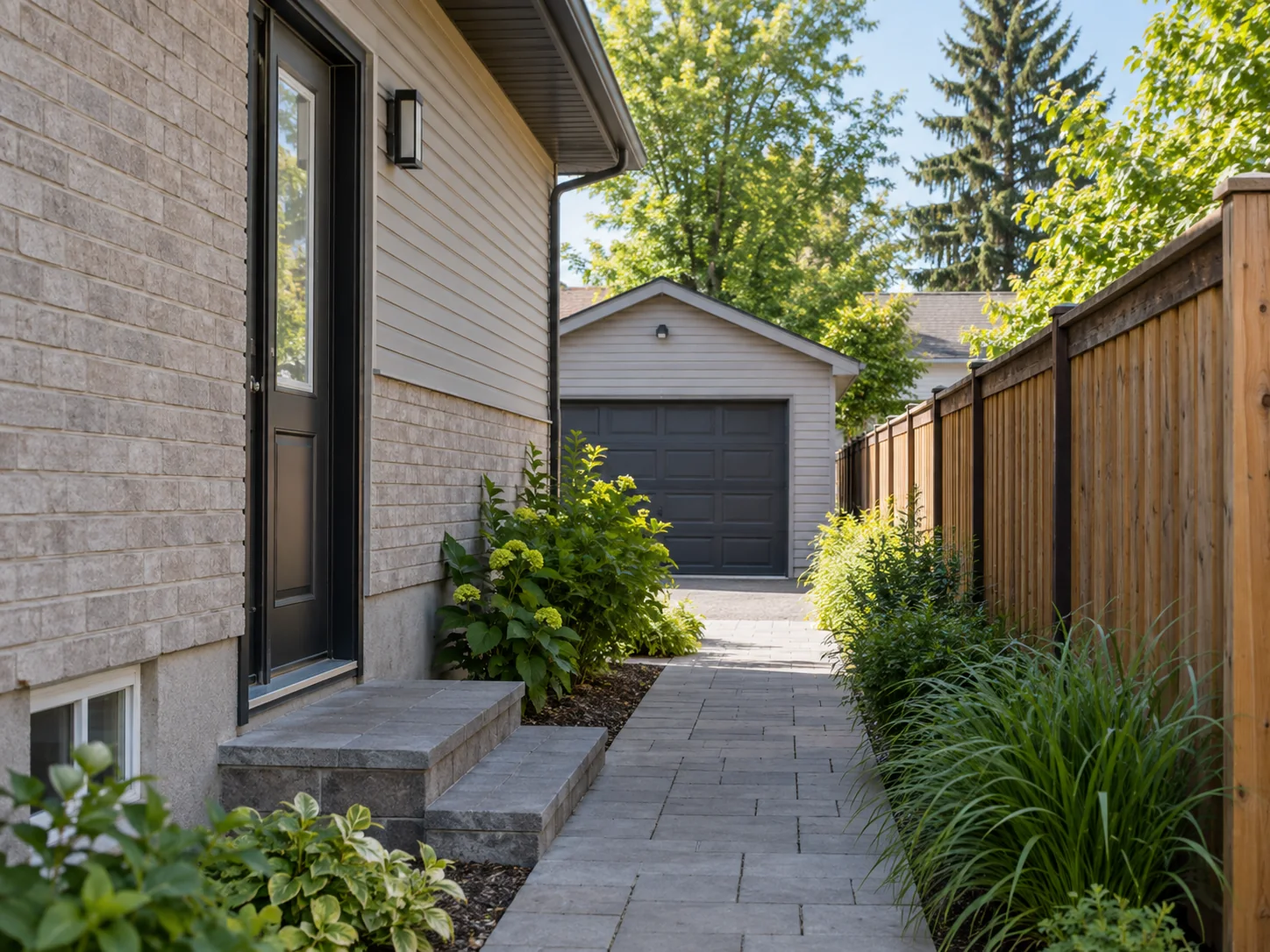
Illustration of a side passage leading to a yard and garage
A configuration planned around your property.
01House and garage

identify exterior doors and the door into the home.

02Condo

separate your unit from shared spaces.

03Business

plan staff entrances and closing hours.

Your property

Security planned around people and activity.

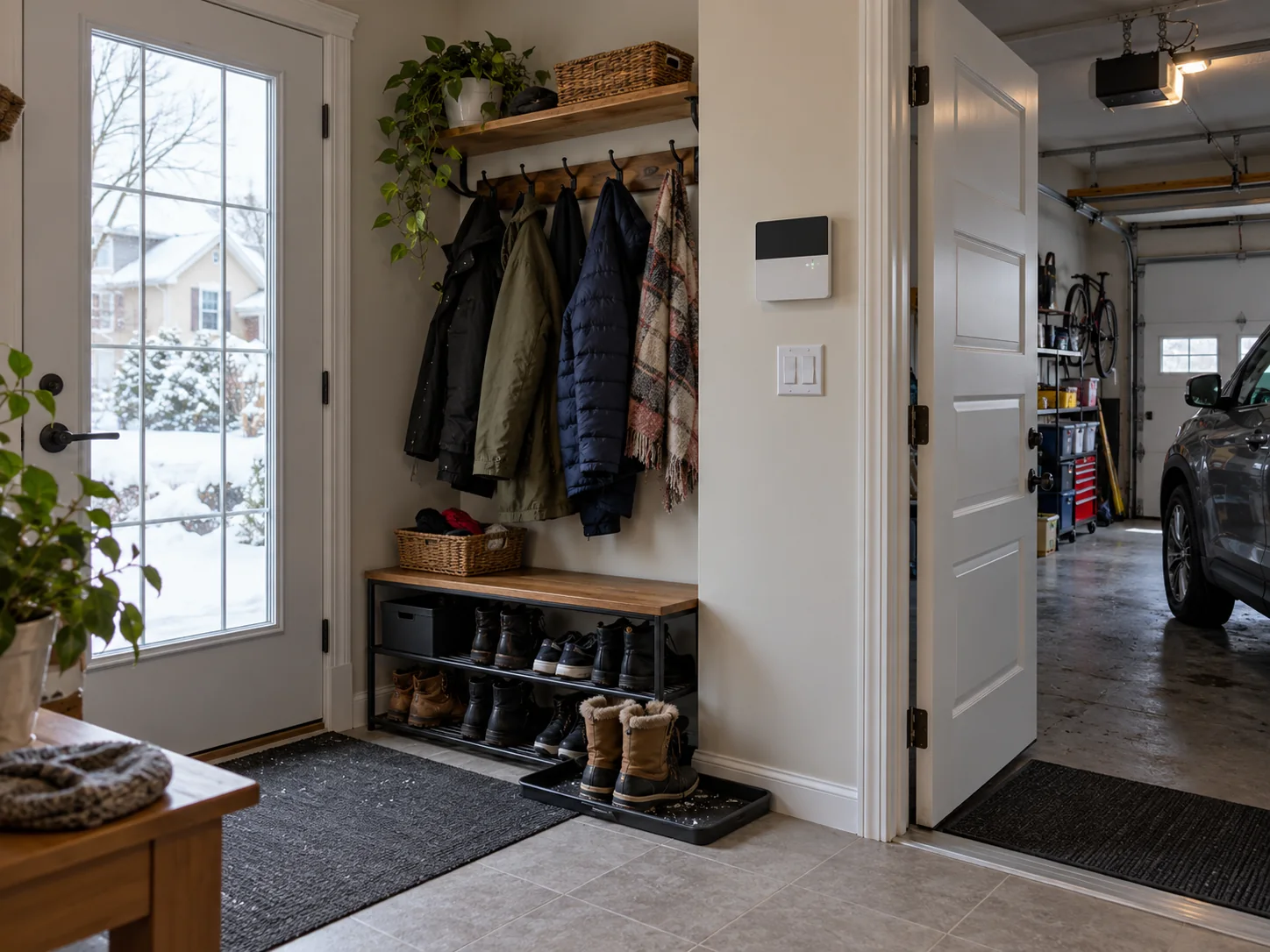
Illustration of the passage between a home and its attached garageResidential
FOR YOUR HOME

Home and family life

A family may want to cover entrances, arm the system at night and know when a door is open. Sensor choices depend on the layout, pets and how rooms are used.

  • Arming modes suited to the home
  • Contacts on selected doors and windows
  • Phone alerts depending on the setup
Explore residential security
FOR YOUR BUSINESS

Business and professional premises

For a store or warehouse, we consider who opens and closes, which entrances staff use and what should be visible outside business hours.

  • User access and schedules
  • Entrances and storage areas
  • Equipment based on size and use
Explore commercial security
Illustration of a North Shore business receiving areaCommercial
PLANS AND QUOTES

Home and garage: compare features before adding devices.

Our residential packages provide a concrete starting point. A business proposal takes its entrances, users and operating hours into account.

A garage door, the door into the house and a basement are separate areas. A package is a starting point; the quote follows the openings you actually use.

01 · Intrusion

Protection Plus

For a house, compare door contacts, intrusion detection and the monitoring terms in the agreement.

02 · Video

Vision Plus

For an entrance or driveway, confirm the camera, network and any video service fees.

03 · Access

Control Plus

For a compatible door, confirm codes and a lock that suits residents’ routines.

A clear quote for your actual address.

Ask for a breakdown of equipment, installation, included features, maintenance and any ongoing fees.

UNDERSTANDING THE SERVICE

Mobile alerts and professional monitoring have different roles.

Notifications on your phone

Depending on the selected system and service, you can check system status and receive certain alerts through the app.

Monitoring centre

With a monitoring plan, alarm signals are handled under the terms and response procedure set out in your agreement.

Available options, service at your address and any fees should be confirmed in your proposal.
NORTH SHORE · HOMES, CONDOS AND WORKPLACES

Three properties, three different access plans.

A house with a garage, a Laval condo and a workshop do not have the same entrances to cover.

01

Attached garage

In Laval or Terrebonne, consider the garage door, the interior door into the home and the side passage as three separate openings.

02

Laval condo

A condo alarm should focus on the private unit. Work in the shared lobby or garage requires approval from the condominium association.

03

Workshop and storage

In Mirabel, a receiving area calls for distinguishing the staff entrance, loading bay and goods stored after hours.

WHAT TO CONSIDER

Three points often missed in the assessment.

We recommend a setup based on the property. No device can guarantee that an incident will never occur; the goal is to monitor selected areas and receive the agreed alerts.

01

Shared spaces

In a condo, check permissions before mounting equipment in the lobby or shared garage.

02

Camera connectivity

A useful viewing angle still needs suitable power and network at that location.

03

Daily routines

Arming should be practical for everyone who enters and leaves regularly.

THE EQUIPMENT

Devices chosen for the entrances you use.

For a house, condo or business, the actual entrances determine the devices. The quote confirms exact models.
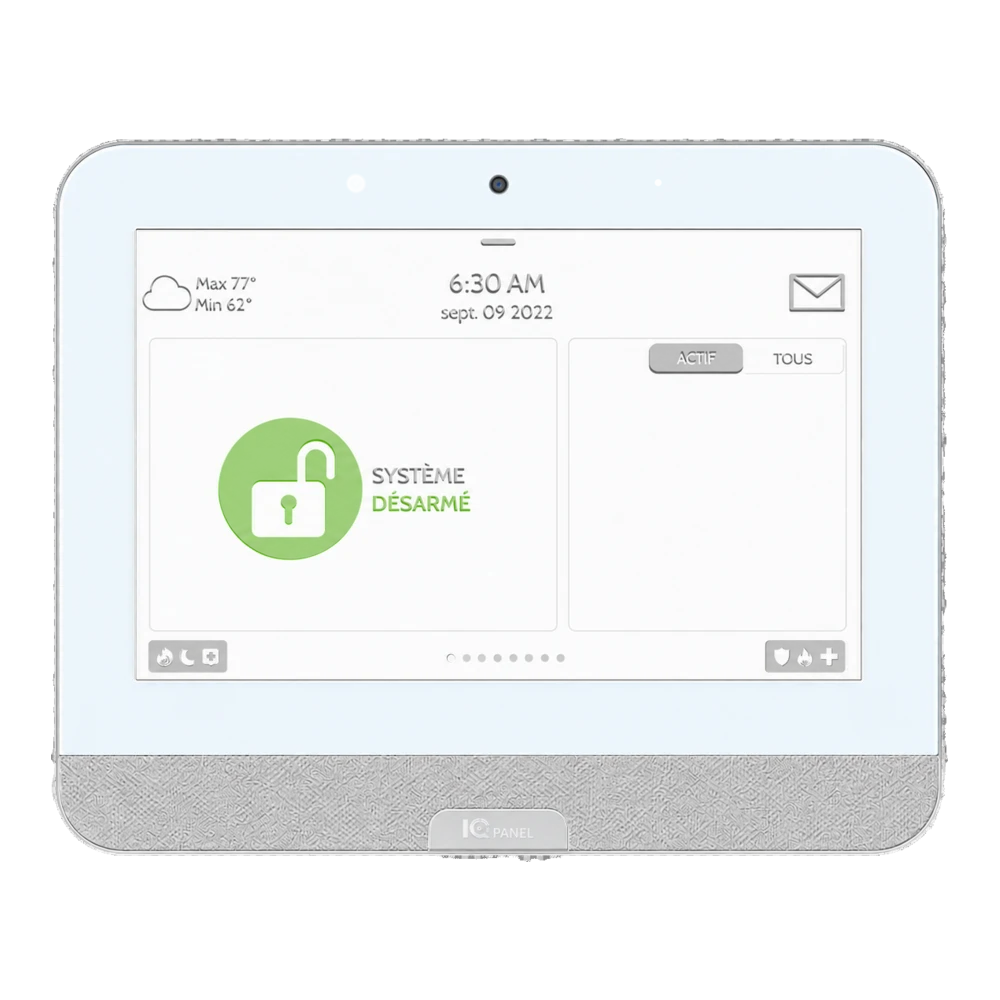
Example of a white touchscreen alarm control panel
THE HEART OF THE SYSTEM

Control panel

Place the controls where returning residents can use them, with arming modes that fit family routines.
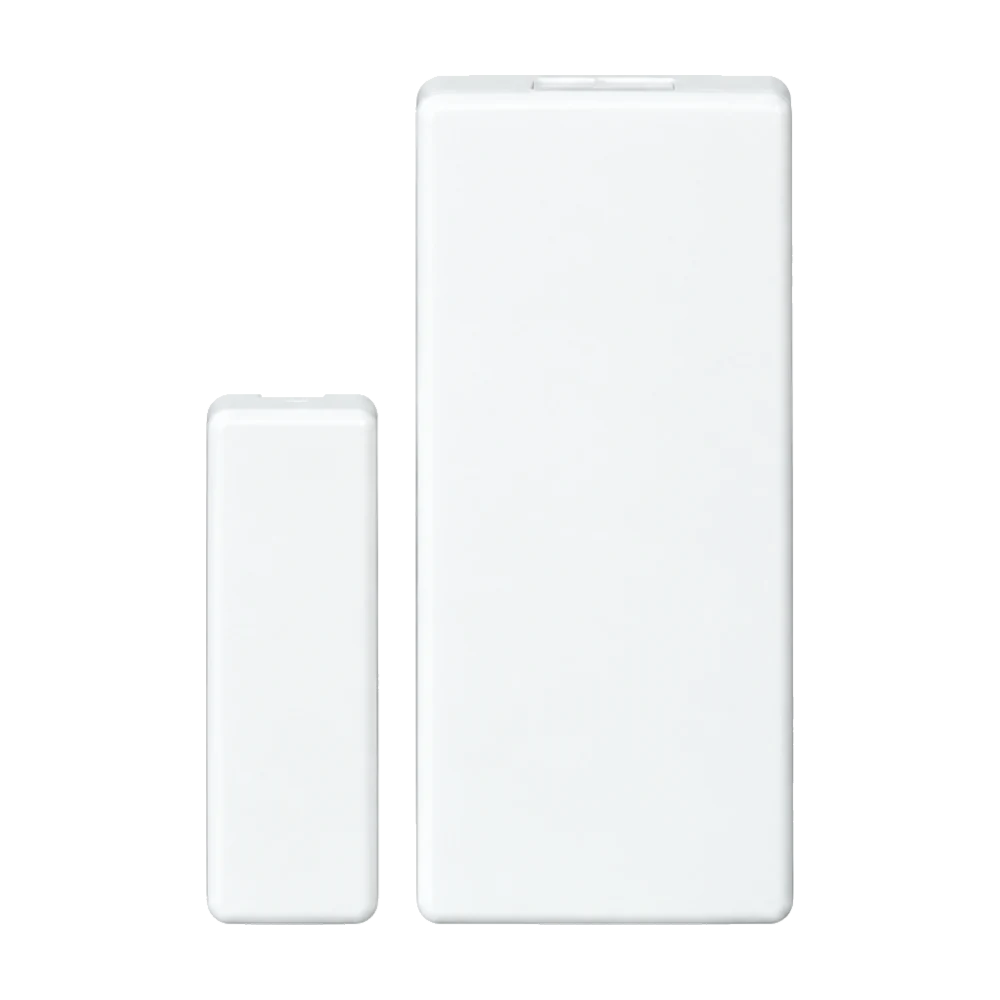
Example of a white magnetic door or window contact

Door and window contact

Use contacts where needed on outside doors, the home-to-garage door and basement openings.
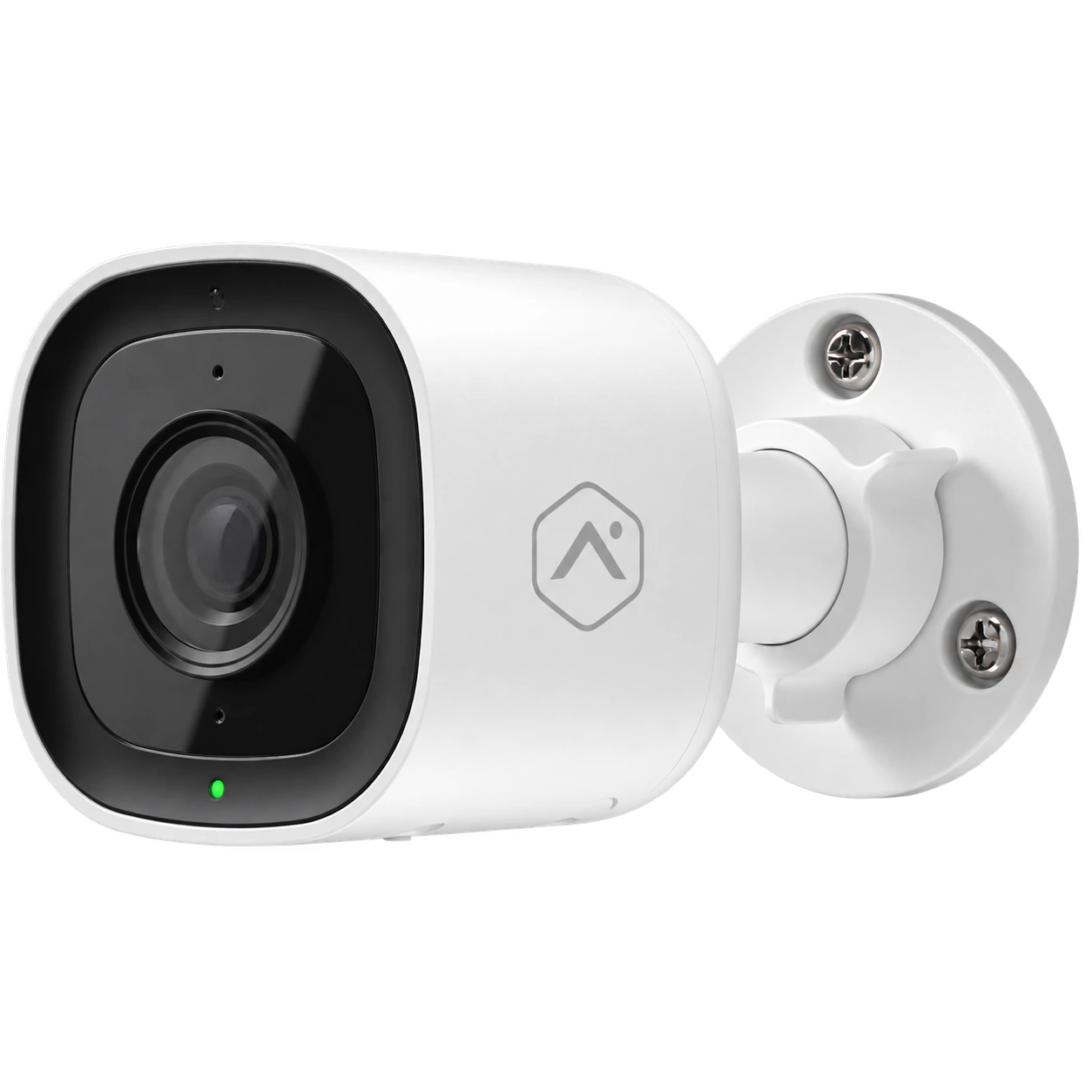
Example of a white outdoor camera with wall mount

Outdoor camera

Cover a driveway or side passage only if the view, power and network permit useful video.
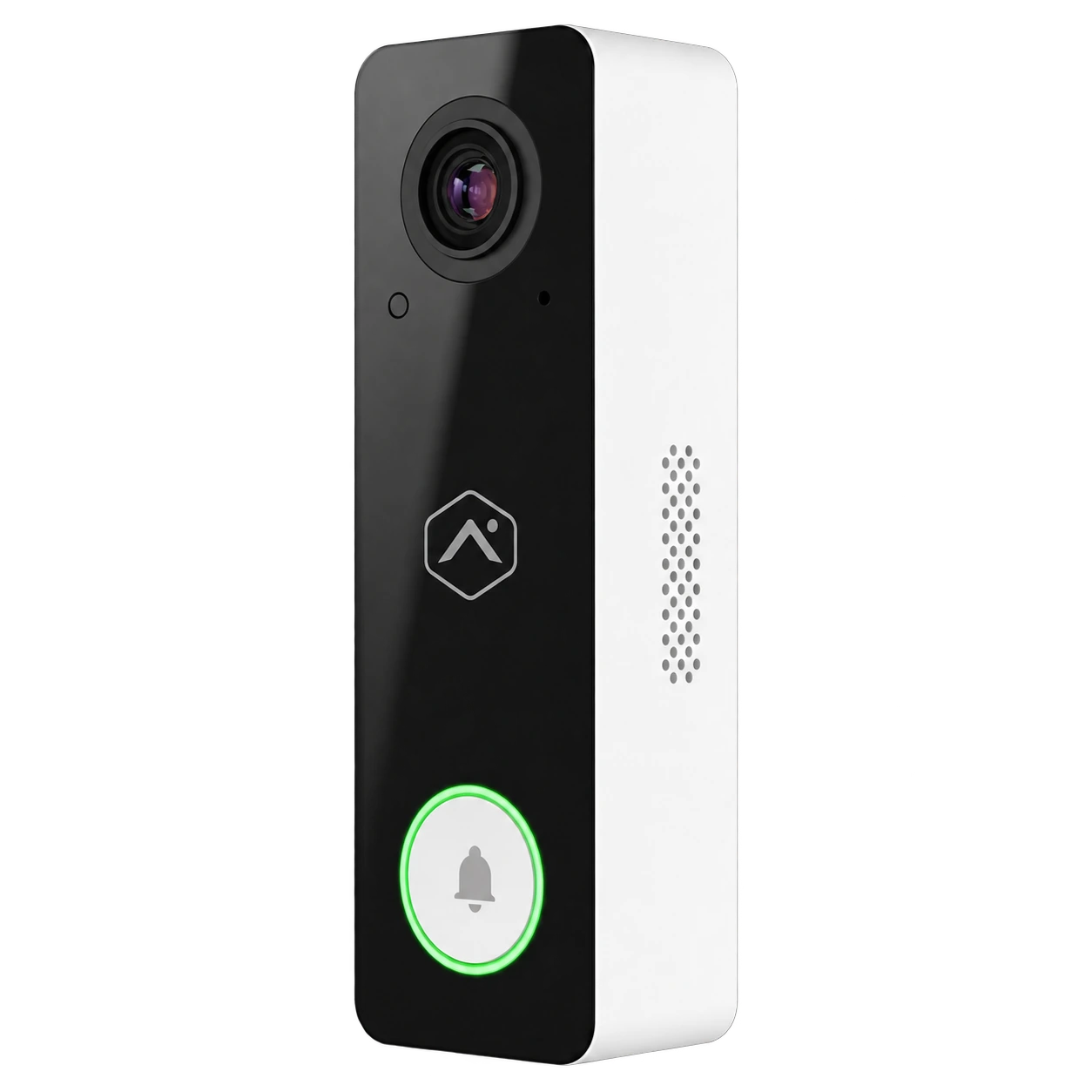
Example of a black-and-white video doorbell

Video doorbell

Consider a doorbell at the main entrance if the chosen model and connection support it.

Device photos show examples; confirm the brand, model, features and compatibility in your quote. Explore surveillance cameras

Other devices may fit your project.
Motion detector

For a room or circulation area where additional detection makes sense.

Water leak sensor

For alerts near a location or appliance you want to monitor.

Smart lock

For a compatible entrance, depending on the model and selected setup.

FROM FIRST CALL TO INSTALLATION

From the property review to everyday use.

Start with the access point to cover before selecting a camera or detector.

01

List entrances

Front door, garage, connecting door, basement and yard.

02

Discuss routines

Night arming, children coming and going and pets in the home.

03

Select devices

Contacts, panel and video based on connectivity and the quote.

04

Explain operation

Users learn how to manage the selected setup.

SERVICE AREAS

North Shore service, confirmed by address.

We review requests from Laval and municipalities north of Montreal. The project address lets us confirm travel arrangements and availability.

Request a quote
Your area
LavalTerrebonneMascoucheBlainvilleMirabelSaint-EustacheRepentignyBois-des-Filion

Share your project address so we can confirm availability and installation arrangements.

FREQUENTLY ASKED QUESTIONS

Answers before you decide.

Features are determined by the property and service selected.

How do I secure a garage attached to the home?

We examine the exterior door, the connecting door to the home and how people use them. Sensors and any video are chosen from there.

Can a motion sensor work if I have a pet?

It depends on the pet's size, room and detector model. We discuss this before placing the device.

Can I control the system remotely?

Remote-control options may be available depending on the panel, connection and selected services.

Do you install commercial systems too?

Yes. We also prepare systems for offices, stores and other premises after assessing entrances and users.

What does an installed alarm system cost?

A house with a garage, a condo and a workshop need different coverage. The quote should list contacts, panel, installation and any monthly fees for your North Shore project.

What support is available after installation?

Setup includes a walkthrough of the features selected for your project. Our residential packages list a maintenance service; check exclusions, support terms and any travel fees in your proposal and agreement.

Explore our other service areas

North Shore

Tell us about your property.

Describe the building and entrances you want to cover. We can suggest a suitable solution.

Estimation gratuite

Remplissez ce formulaire et un conseiller vous contactera par téléphone et par courriel pour discuter des services et des produits qui répondent le mieux à vos besoins. Tous les champs sont obligatoires.

To use reCAPTCHA, you need to add the API Key and complete the setup process in Dashboard > Elementor > Settings > Integrations > reCAPTCHA.