💬 Un expert est disponible maintenant
ALARM SYSTEMS · South Shore

Alarm systems on the South Shore.

Front door, patio door, garage or commercial space: we build the system around the entrances you want to keep track of.

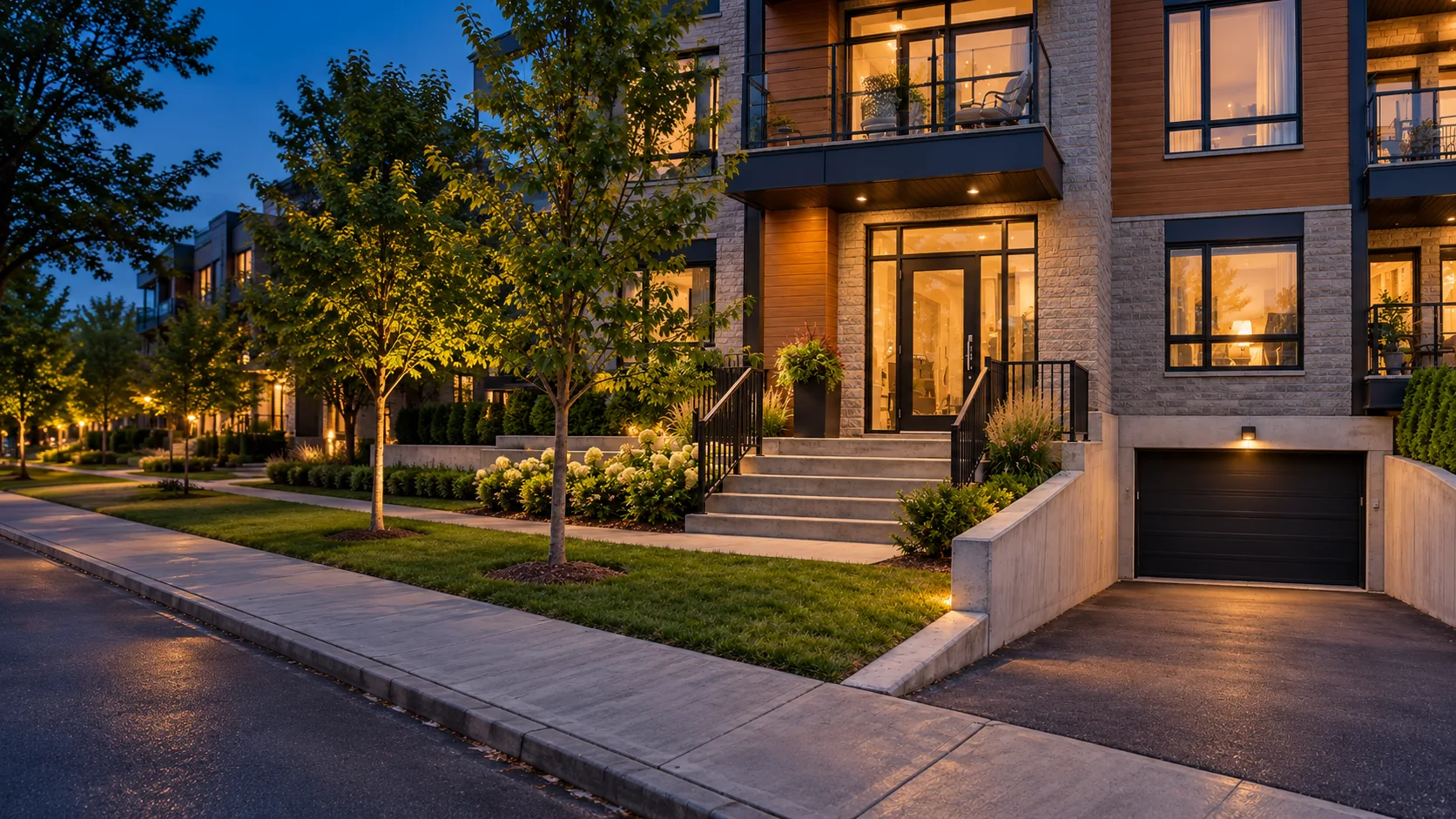
Illustrative setting. Installation depends on your property.
BUILT AROUND YOUR NEEDS

The front entrance is only part of the property.

A townhome may have a patio door and garage, a condo may include shared areas, and a business needs to manage visits, deliveries and closing time. The security setup should follow these real uses.

On the South Shore, we begin by discussing the property and the people who occupy it. We then identify which entrances need attention and which devices can cover them in a practical way.

See client reviews
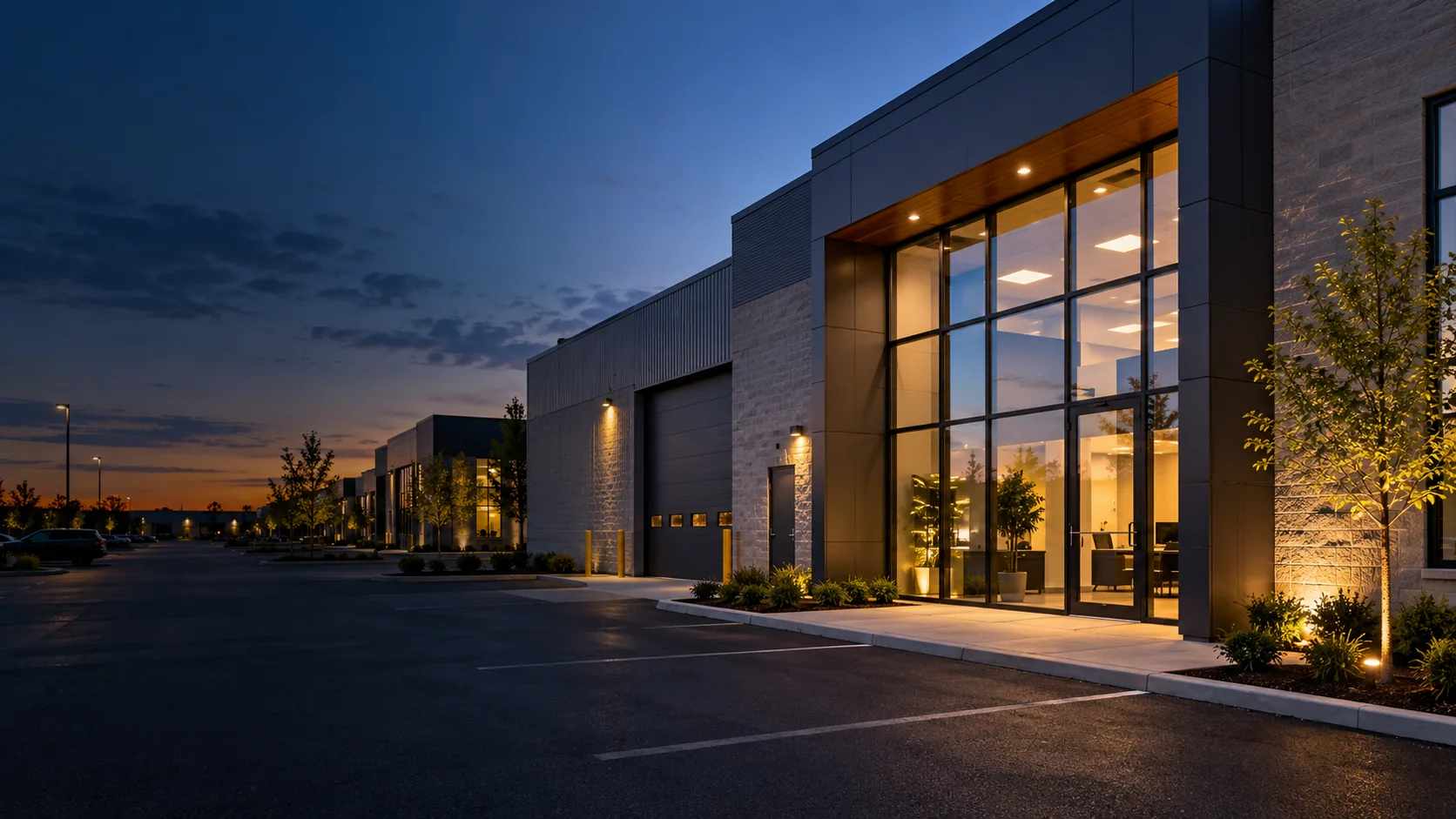
Illustration of a business entrance and parking area at dusk
A configuration planned around your property.
01Doors and windows

identify which openings are truly accessible.

02Rear entrance

consider movement, lighting and visibility.

03Businesses

plan schedules and staff access.

Your property

A system based on use, not a product list.

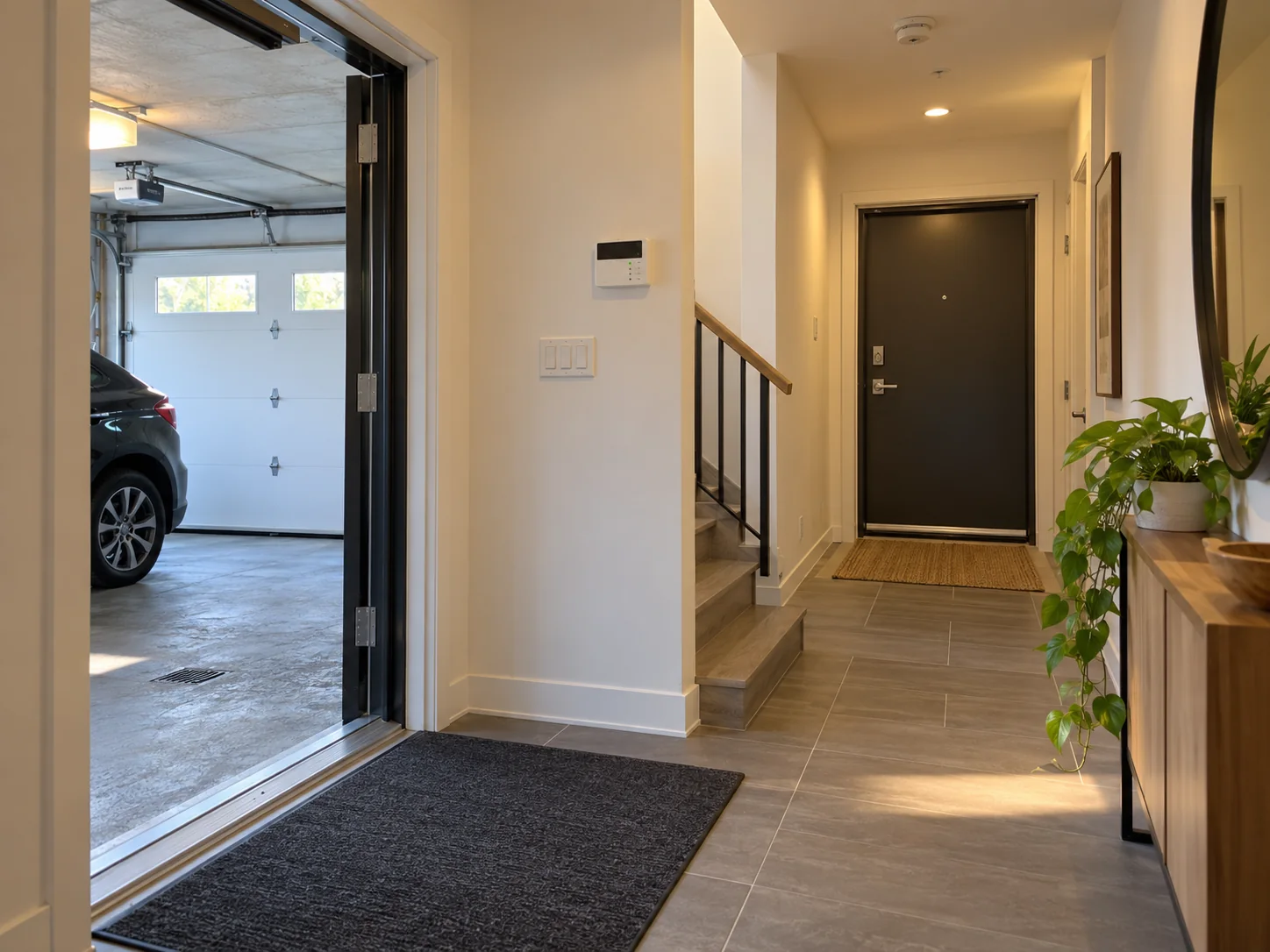
Illustration of a South Shore home entrance and garage accessResidential
FOR YOUR HOME

House, townhome or condo

We assess front and rear entrances, accessible windows and household routines. Alerts and arming modes need to be easy to understand every day.

  • Sensors on relevant openings
  • Options for patio doors and garages
  • Notifications according to the setup
Explore residential security
FOR YOUR BUSINESS

Store, office or workshop

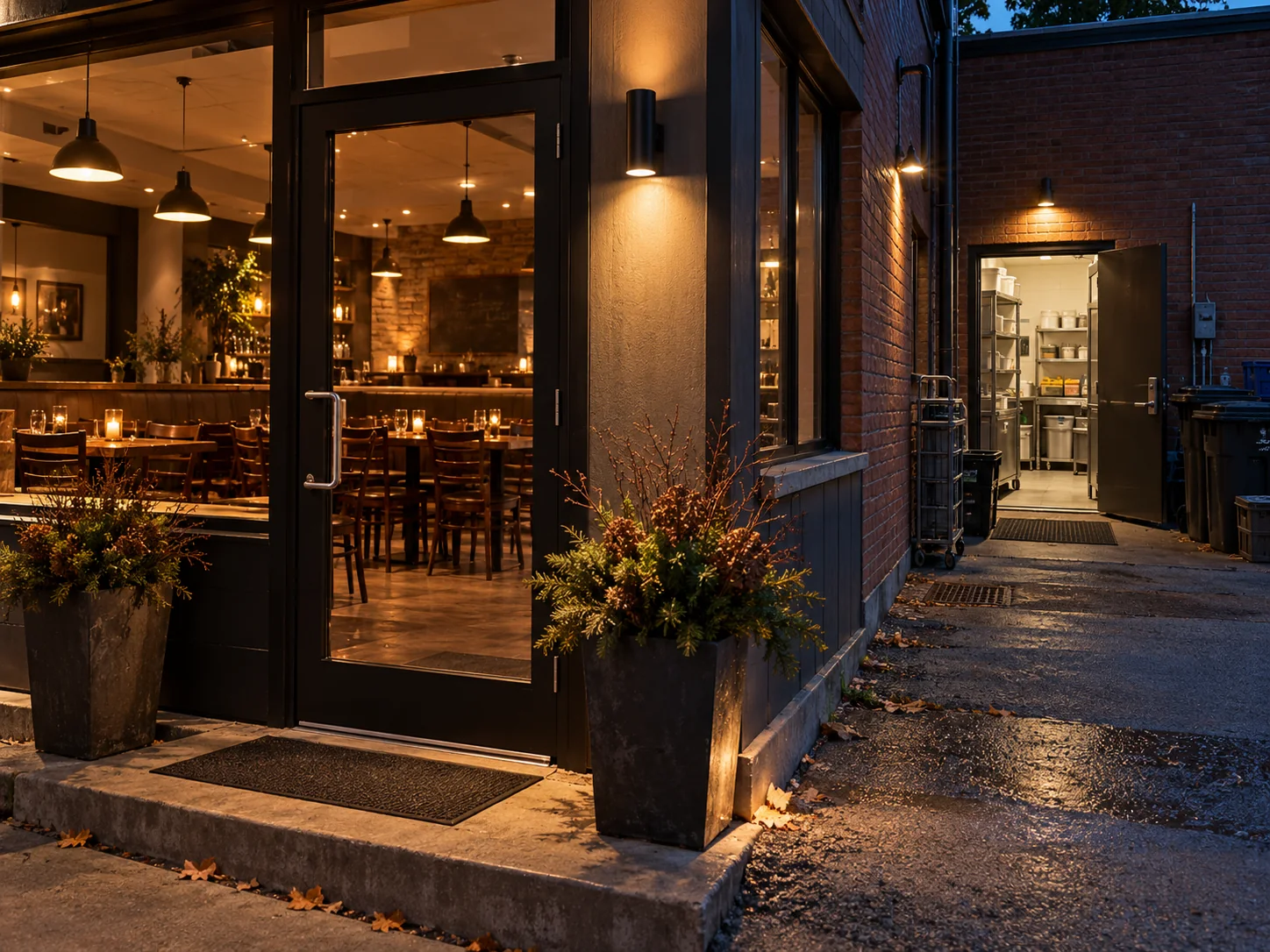
For professional premises, we plan for authorized users, closing, deliveries and the places where an image or alert provides useful information.

  • Codes or access rights to define
  • Cameras at appropriate entrances
  • Setup suited to business hours
Explore commercial security
Illustration of a restaurant with customer and delivery entrancesCommercial
PLANS AND QUOTES

Alarm, video or access: choose for your property.

Our residential packages provide a concrete starting point. A business proposal takes its entrances, users and operating hours into account.

A home's patio door, a Longueuil condo and a Brossard shop call for different options. Compare residential plans and have commercial requirements detailed in your quote.

01 · Intrusion

Protection Plus

For a house or condo, compare contacts for the doors and windows that are actually accessible.

02 · Video

Vision Plus

For an entrance or patio door, check the view, network and video options in the quote.

03 · Access

Control Plus

For a compatible private entrance, confirm the lock and household access arrangements.

A clear quote for your actual address.

Ask for a breakdown of equipment, installation, included features, maintenance and any ongoing fees.

UNDERSTANDING THE SERVICE

Mobile alerts and professional monitoring have different roles.

Notifications on your phone

Depending on the selected system and service, you can check system status and receive certain alerts through the app.

Monitoring centre

With a monitoring plan, alarm signals are handled under the terms and response procedure set out in your agreement.

Available options, service at your address and any fees should be confirmed in your proposal.
SOUTH SHORE · ENTRANCES AND ACTIVITY

A condo, restaurant and office close up differently.

These examples help define the zones before estimating the system needed on the South Shore.

01

Longueuil condo

Separate the unit door, shared lobby and garage. The condominium determines what work is allowed in common areas.

02

Brossard business

A customer entrance, staff door and storage room may require distinct schedules and user permissions.

03

Home near Chambly

A patio door, garage and ground-floor windows inform the contact plan. Alerts should reflect when people are home.

WHAT TO CONSIDER

What we plan before installation.

We cannot promise a device will eliminate risk. We recommend placements that meet your needs and explain what each piece of equipment can do.

01

Different activity at different times

Homes and businesses run on different schedules; alerts should reflect actual use.

02

Useful camera angles

The front, patio or delivery area is chosen after checking visibility and network access.

03

Features people can use

Occupants should understand arming, alerts and user management.

THE EQUIPMENT

Devices that follow how entrances are used.

For a business or apartment building, define private and shared entrances before choosing a panel, contacts and video.
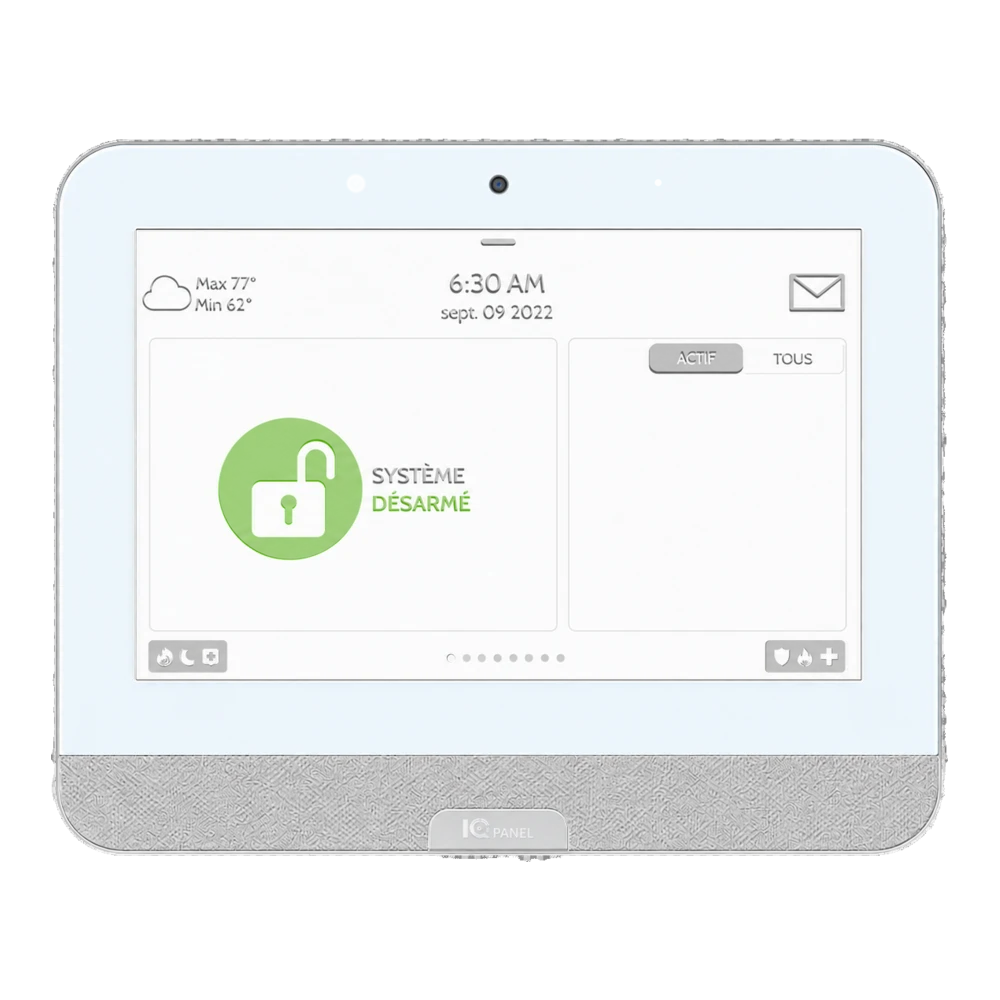
Example of a white touchscreen alarm control panel
THE HEART OF THE SYSTEM

Control panel

Configure codes and arming schedules around the people who open and close the premises.
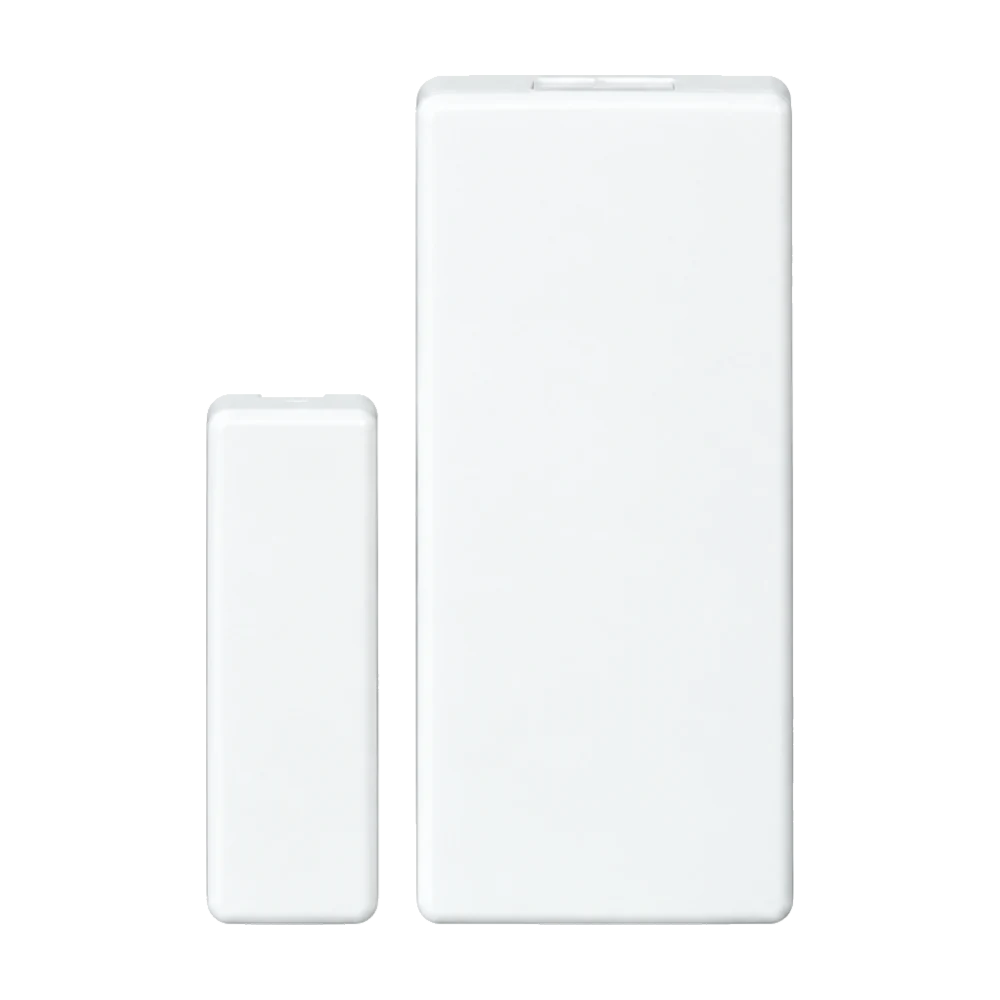
Example of a white magnetic door or window contact

Door and window contact

Cover selected openings such as a patio door, service entry or access to parking.
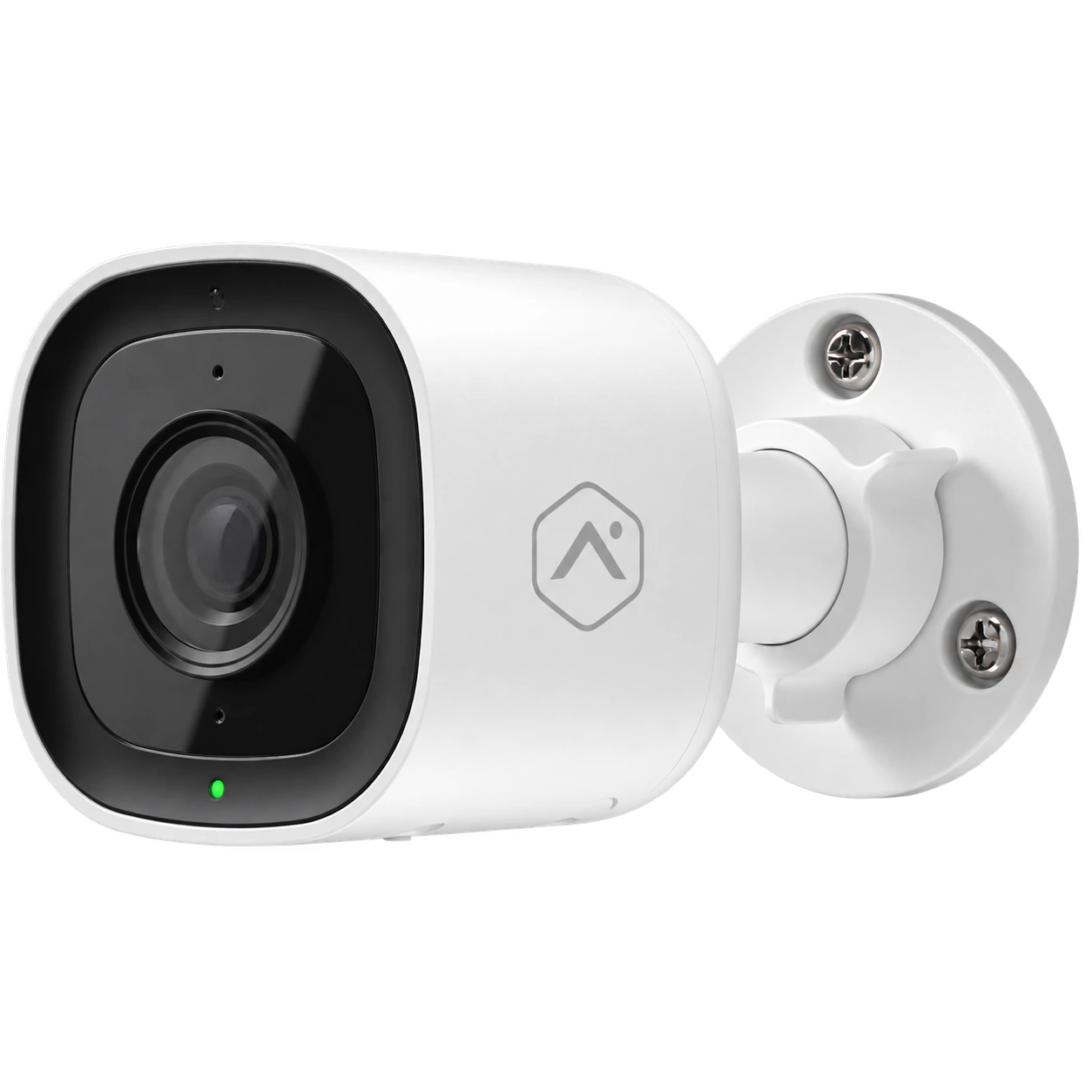
Example of a white outdoor camera with wall mount

Outdoor camera

Check the camera angle, network availability and permissions in shared spaces.
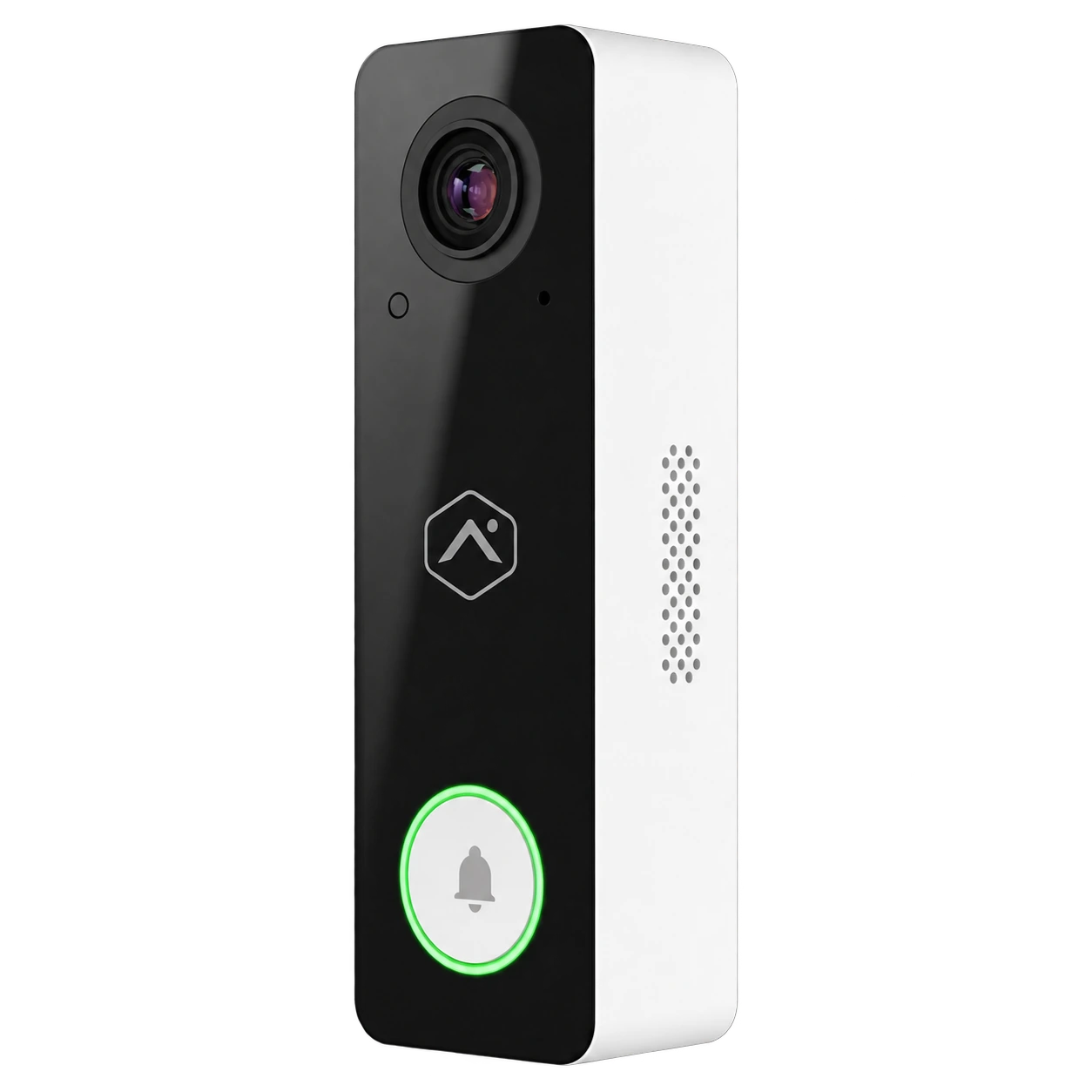
Example of a black-and-white video doorbell

Video doorbell

A doorbell may help manage a private entrance, depending on the model selected.

Device photos show examples; confirm the brand, model, features and compatibility in your quote. Explore surveillance cameras

Other devices may fit your project.
Motion detector

For a room or circulation area where additional detection makes sense.

Water leak sensor

For alerts near a location or appliance you want to monitor.

Smart lock

For a compatible entrance, depending on the model and selected setup.

FROM FIRST CALL TO INSTALLATION

Describe daily use before choosing equipment.

At the requested address, distinguish private doors, common areas and business hours.

01

Understand the need

Home, condo, office or restaurant, and how each door is used.

02

Define boundaries

Who authorizes work in the building and which areas are accessible.

03

Price the setup

Devices, installation and service options are shown in the quote.

04

Explain alerts

Staff or residents learn the selected control modes.

SERVICE AREAS

Montreal's South Shore, based on the project location.

We review residential and commercial projects across a number of South Shore municipalities. Send your address so we can confirm service and plan the next step.

Request a quote
Your area
LongueuilBrossardBouchervilleSaint-BrunoSainte-JulieLa PrairieCandiacChâteauguay

Share your project address so we can confirm availability and installation arrangements.

FREQUENTLY ASKED QUESTIONS

Answers before you decide.

Features are determined by the property and service selected.

How do I choose between an alarm and a camera?

An alarm can detect certain events and trigger the agreed alerts. A camera provides an image of an area. The two can complement each other depending on the property.

What should I consider for a patio door?

We check its position, use and neighbouring openings. Sensor selection depends on the door and system configuration.

Can a business manage several employees?

Some setups distinguish between users. Exact features depend on the selected system and are specified in the quote.

Is 24/7 monitoring included?

Monitoring may be offered as an option depending on the chosen service. The quote specifies how it works and the applicable conditions.

What does an installed alarm system cost?

Price depends on the doors and windows covered, any condominium restrictions and selected features. Ask for equipment, installation and service fees to be listed in the quote for your South Shore address.

What support is available after installation?

Setup includes a walkthrough of the features selected for your project. Our residential packages list a maintenance service; check exclusions, support terms and any travel fees in your proposal and agreement.

Explore our other service areas

South Shore

Tell us about your property.

Describe the building and entrances you want to cover. We can suggest a suitable solution.

Estimation gratuite

Remplissez ce formulaire et un conseiller vous contactera par téléphone et par courriel pour discuter des services et des produits qui répondent le mieux à vos besoins. Tous les champs sont obligatoires.

To use reCAPTCHA, you need to add the API Key and complete the setup process in Dashboard > Elementor > Settings > Integrations > reCAPTCHA.