
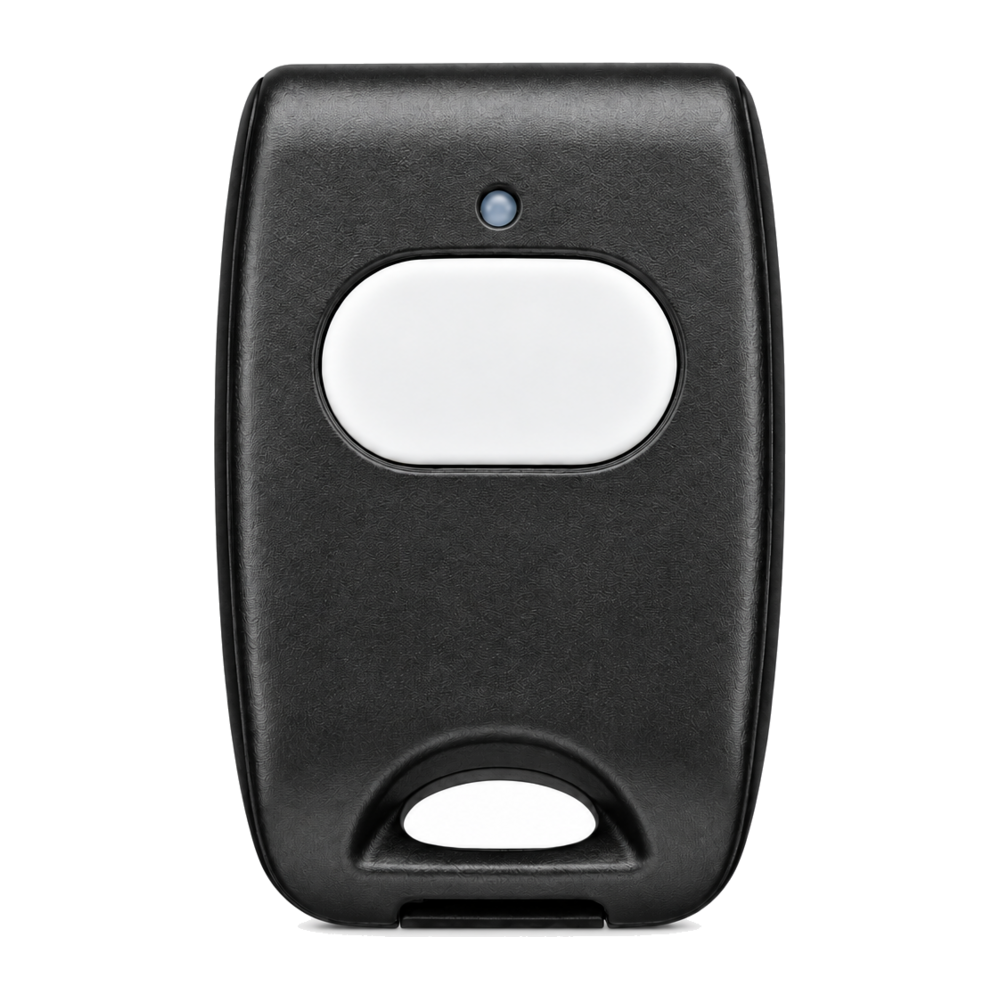
Bedroom, office, counter or worn on the body
Key facts
The panic button makes it easy to trigger an alert without going to the panel. It can be kept within reach or worn, depending on the model.
Simple, fast alert
Monitored alarm system
Key features
- One-press activation
- Compact design
- Wireless communication
- Easy to use
- Alert sent to the panel
- Custom placement
How it works, technology and installation
DSC PowerG · panic button
Here is what the device detects, how it communicates and what to check before installation.
Press
The user presses the button.
Signal
A priority request reaches the panel.
Procedure
The system applies the programmed response.
Technical specifications
- Control
- Manual
- Radio
- PowerG
- Format
- Fixed or portable depending on model
- Battery
- Supervised
- Response
- Configurable
Recommended installation
- Bedroom, office, reception or counter
- Within immediate reach
- Silent or audible mode set
Possible alerts
- Configured panic or assistance alert
- Low battery
- Loss of supervision
Maintenance and limitations
Test with the monitoring centre notified and keep contacts up to date. This product does not replace a dedicated medical alert device.
Professional validation: the exact model, its range, power supply and compatibility with your panel are confirmed before installation.
FREQUENTLY ASKED QUESTIONS
Questions about the panic button
Is it compatible with my alarm system?
Compatibility depends on the exact panel model, its radio frequency and the active Alarm.com service. Solution Alarme Plus checks these before confirming the equipment.
Where should this device be installed?
Bedroom, office, reception or counter. The final location also takes into account radio range, power supply, the environment and the manufacturer’s recommendations.
Will I get alerts on my phone?
Configured panic or assistance alert. Available notifications and how they can be customized depend on the configuration and the selected package.