
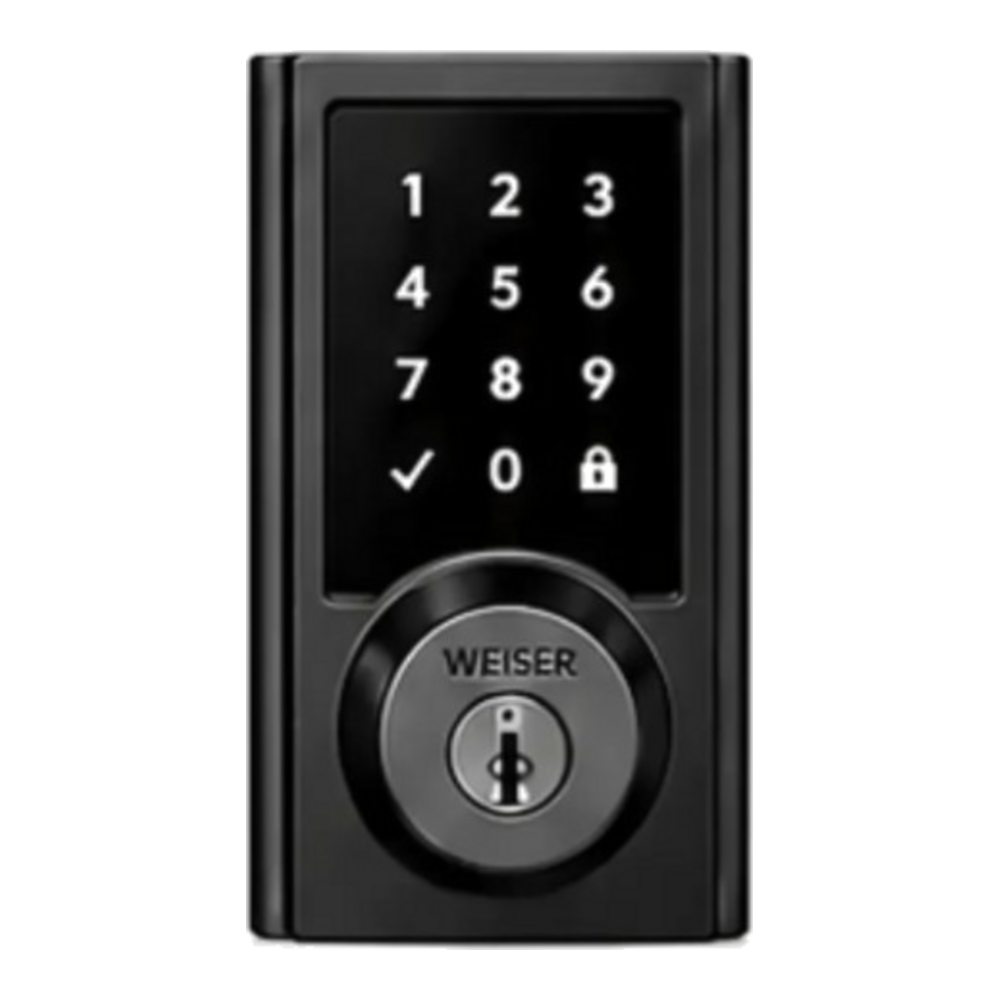
Main entry door or compatible secondary entrance
Key facts
The Weiser smart lock replaces shared keys with personal codes. You can create a permanent, temporary or time-restricted code for family members, an employee or a service provider. The app shows whether the door is locked or unlocked, lets you control the lock remotely and can notify you when a specific code is used. It can also work with the alarm system: lock the door when arming, or disarm a partition when an authorized user enters, depending on the configuration.
Control who comes in, when and with which code
Z-Wave, Qolsys panel and the Alarm.com app
Key features
- Lock and unlock from the keypad or remotely
- Personal, temporary or scheduled codes
- Access history and identification of the code used
- Lock, unlock and wrong-code notifications
- Automations with arming and disarming
- Can be unlocked after checking with the video doorbell
- Battery-powered with low-battery alert
- Mechanical backup key
How it works, technology and installation
Weiser or compatible Z‑Wave lock
Here is what the device detects, how it communicates and what to check before installation.
Code
Each user enters their personal code.
Opening
The motor drives the bolt and logs the access.
Scene
A rule can disarm the system or send an alert.
Technical specifications
- Control
- Keypad, app, key
- Radio
- Z‑Wave
- Codes
- Permanent or temporary
- Power
- Batteries
- History
- Alarm.com
Recommended installation
- Main door or staff entrance
- Door bore and thickness checked
- Bolt perfectly aligned
Possible alerts
- Code used
- Locked or unlocked
- Low battery
Maintenance and limitations
Replace the batteries on time. A door that sticks wears out the motor; its alignment must be corrected before installation.
Professional validation: the exact model, its range, power supply and compatibility with your panel are confirmed before installation.
FREQUENTLY ASKED QUESTIONS
Questions about the smart lock
Is it compatible with my alarm system?
Compatibility depends on the exact panel model, its radio frequency and the active Alarm.com service. Solution Alarme Plus checks these before confirming the equipment.
Where should this device be installed?
Main door or staff entrance. The final location also takes into account radio range, power supply, the environment and the manufacturer’s recommendations.
Will I get alerts on my phone?
Code used. Available notifications and how they can be customized depend on the configuration and the selected package.