
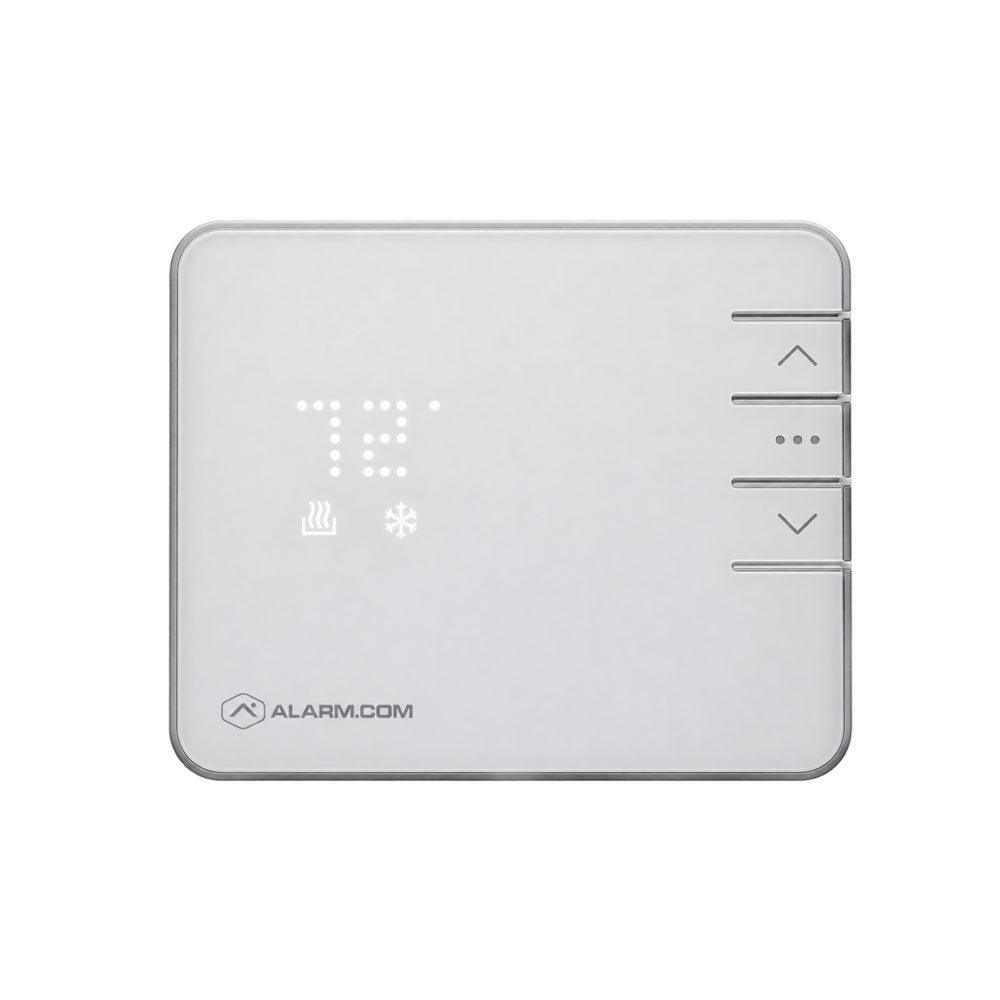
Replaces the main thermostat
Key facts
The smart thermostat lets you change the temperature from your phone and create schedules based on your routine or the alarm system status.
Comfort and energy savings
Alarm.com app
Key features
- Remote control
- Schedule programming
- Automation with the alarm
- Temperature alerts
- Simple interface
- Tracking from the app
How it works, technology and installation
Alarm.com or Z‑Wave thermostat
Here is what the device detects, how it communicates and what to check before installation.
Measurement
Reads the room temperature.
Control
Receives the local, scheduled or mobile setpoint.
Action
Controls heating, cooling and routines.
Technical specifications
- Radio
- Z‑Wave depending on model
- Control
- Local and app
- Routines
- Schedules and scenes
- Alerts
- Temperature thresholds
- Compatibility
- HVAC to be checked
Recommended installation
- Interior wall away from heat sources
- Heating type and C-wire checked
- Control stages confirmed
Possible alerts
- Temperature too low or too high
- Loss of communication
- Configured anomaly
Maintenance and limitations
The thermostat does not replace HVAC maintenance. Not all systems are compatible without adaptation.
Professional validation: the exact model, its range, power supply and compatibility with your panel are confirmed before installation.
FREQUENTLY ASKED QUESTIONS
Questions about the smart thermostat
Is it compatible with my alarm system?
Compatibility depends on the exact panel model, its radio frequency and the active Alarm.com service. Solution Alarme Plus checks these before confirming the equipment.
Where should this device be installed?
Interior wall away from heat sources. The final location also takes into account radio range, power supply, the environment and the manufacturer’s recommendations.
Will I get alerts on my phone?
Temperature too low or too high. Available notifications and how they can be customized depend on the configuration and the selected package.