
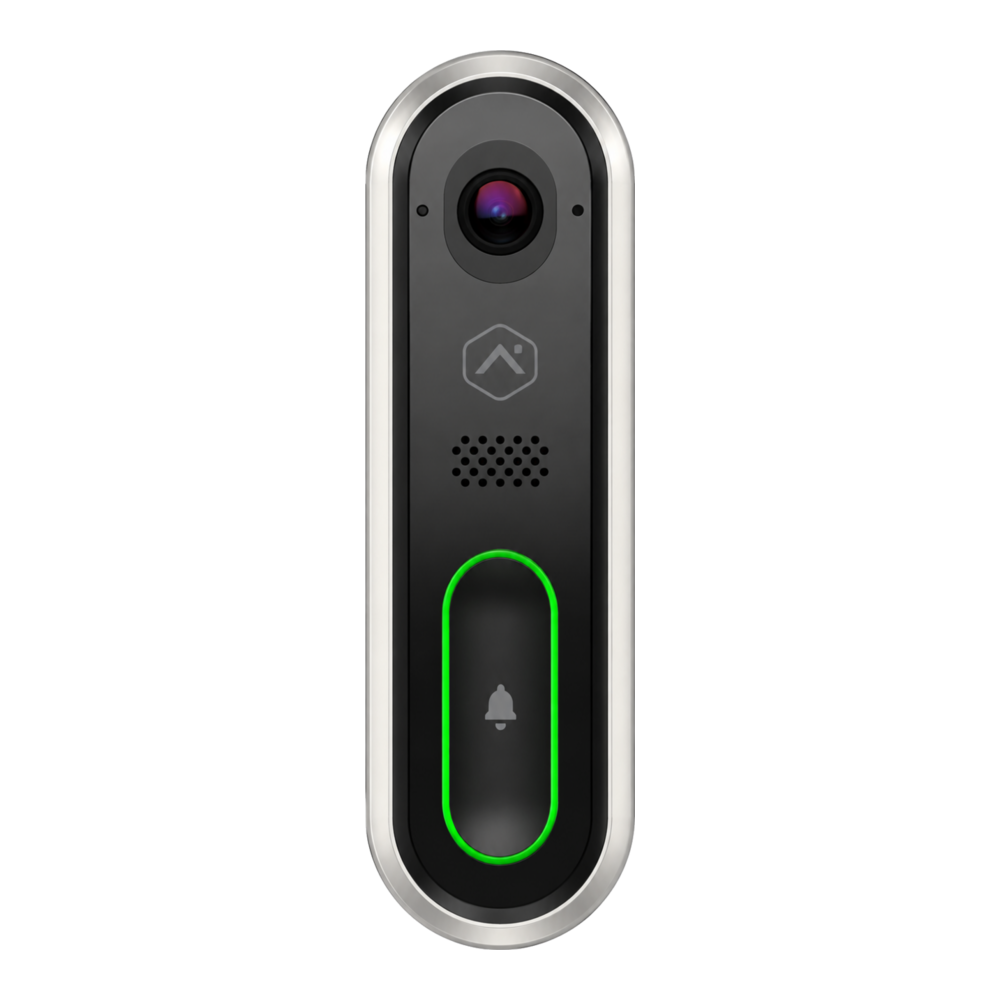
Main door, with power and Wi‑Fi signal checked
Key facts
The video doorbell secures your main entrance. When someone presses the button — or approaches, if a video rule is enabled — the Alarm.com app can send you a notification. You then open the live video, hear the visitor and answer them with two-way audio. If a compatible smart lock is installed, you can confirm who the visitor is and unlock the door from the same app.
See, talk and manage access without being at the door
Wi‑Fi, the Alarm.com app and an optional compatible lock
Key features
- Notification when someone rings
- Person detection depending on model and configuration
- Live video and event clips
- Two-way audio to talk to visitors
- Night vision to watch the entrance after dark
- Remote unlocking of a compatible lock
- Custom alerts and history in the app
- Recording features depending on the model and Alarm.com plan
How it works, technology and installation
Alarm.com · Wi‑Fi video doorbell
Here is what the device detects, how it communicates and what to check before installation.
Approach
Analytics or a button press creates an event.
Call
Your phone receives a video notification.
Response
You see, hear and talk to the visitor live.
Technical specifications
- Resolution
- 1440 × 1920
- Field of view
- 150° vertical · 115° horizontal
- Night vision
- Infrared, about 4.6 m (15 ft)
- Image
- HDR and vertical format to see packages
- Audio
- Two-way
- Power
- 16 to 30 V AC, compatible transformer
Recommended installation
- Main door, at face and package height
- Wiring, chime and transformer tested
- Sufficient Wi‑Fi at the door
Possible alerts
- Button press
- Person or analytics-based motion
- Device offline
Maintenance and limitations
Features and clip retention depend on the Alarm.com plan. The installer checks the transformer, the chime and the upload speed before installation.
Professional validation: the exact model, its range, power supply and compatibility with your panel are confirmed before installation.
FREQUENTLY ASKED QUESTIONS
Questions about the video doorbell
Is it compatible with my alarm system?
Compatibility depends on the exact panel model, its radio frequency and the active Alarm.com service. Solution Alarme Plus checks these before confirming the equipment.
Where should this device be installed?
Main door, at face and package height. The final location also takes into account radio range, power supply, the environment and the manufacturer’s recommendations.
Will I get alerts on my phone?
Button press. Available notifications and how they can be customized depend on the configuration and the selected package.