💬 Un expert est disponible maintenant

04 / Automatic opening

Automatic door openers: easier entry for everyone.

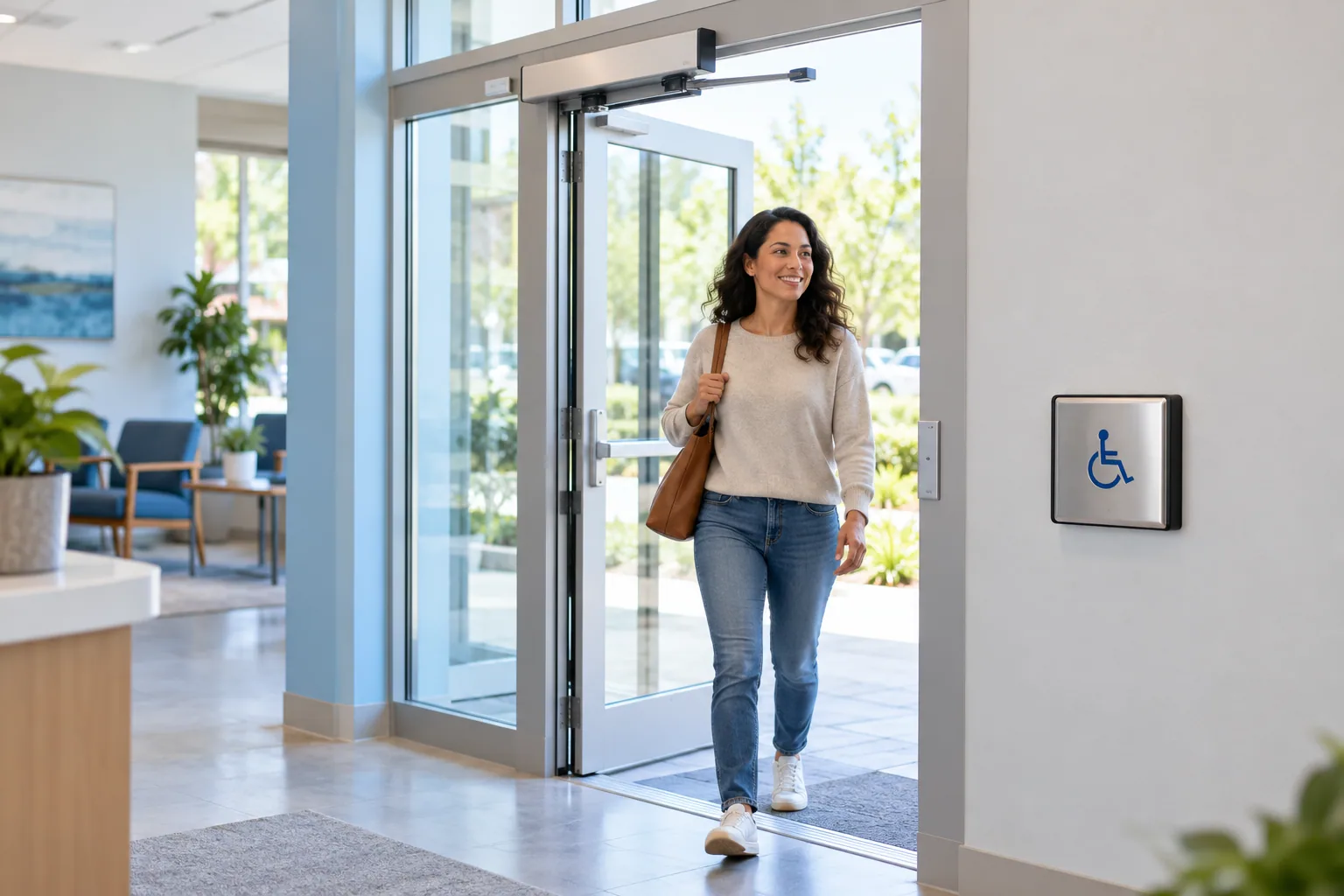
A powered door operator helps people through an entrance, including visitors with reduced mobility, strollers or full hands.

Powered glass door with an accessible push button
Illustrative image: the equipment proposed depends on the door and the installation.

The basics

Accessibility starts at the entrance.

An accessible push button sends a command to a powered operator installed on the door. It opens the door or assists its movement, holds the doorway open for the configured time and then allows the door to close. The switch may require a push or work without contact, depending on the equipment. Assess the door, clearances and activation method together before choosing an operator.

How does it work?

01

Request opening

The user activates a switch or sensor positioned for the intended approach.

02

Coordinate the equipment

If the door is locked, authorization and release must occur before the operator moves it.

03

Open and close

The operator completes its programmed opening cycle with safety devices selected for the installation.

Day to day

Switches, operators and safe passage.

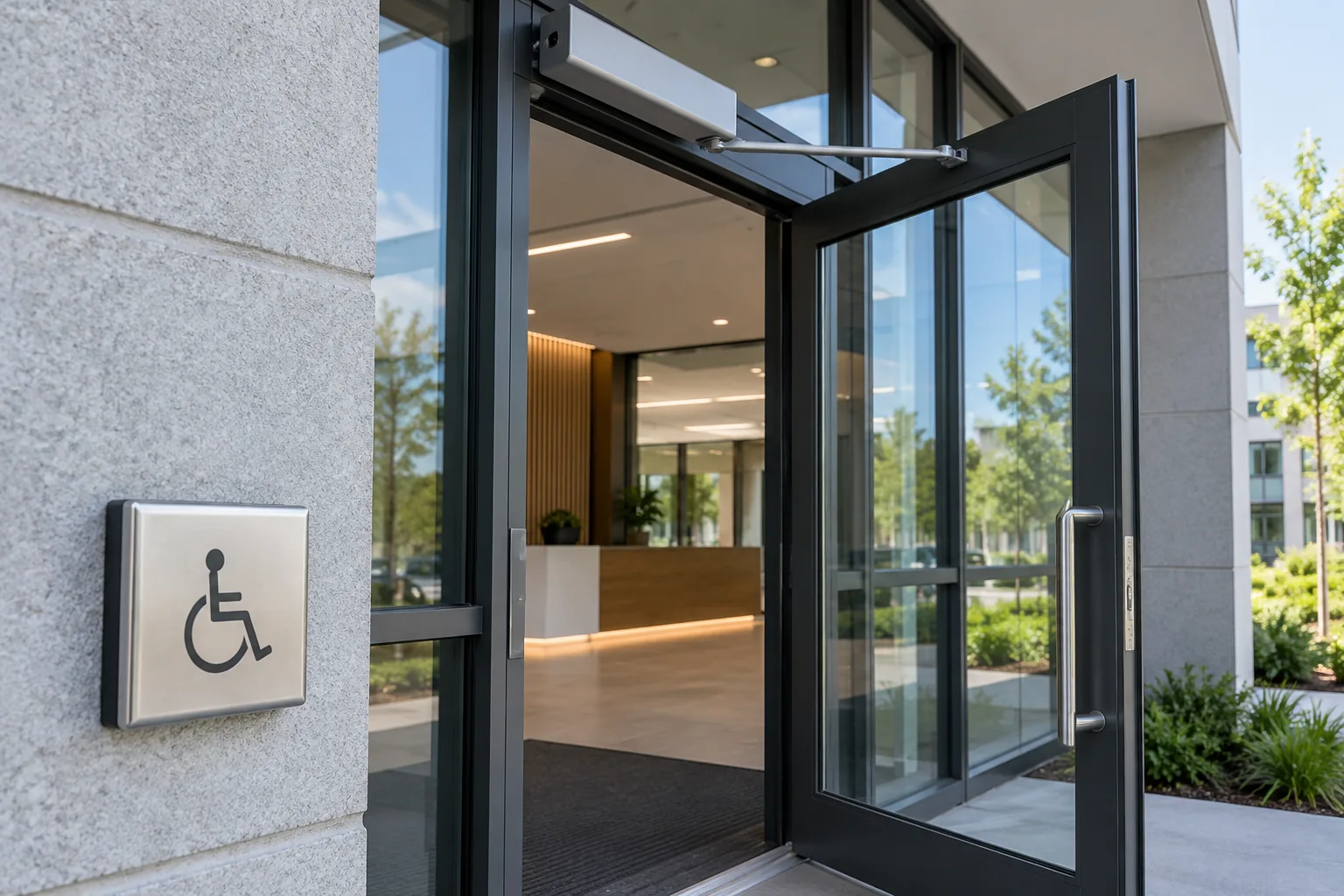
Powered door and accessible push button near an entrance
A switch sends the request and a powered operator moves the door.

Good to know · 01

A push button does not replace access control

At an entrance open to the public during business hours, a button may start the planned opening cycle. At a restricted entrance, a badge or intercom command must first authorize access. The sequence must prevent the operator from pushing against a door that is still locked.

Assess the whole doorway

Door weight and width, wind, thresholds, clearances and hinge condition all influence the choice. A door operator alone does not make the entire route accessible. Also assess the approach, switch placement and space on both sides of the entrance.
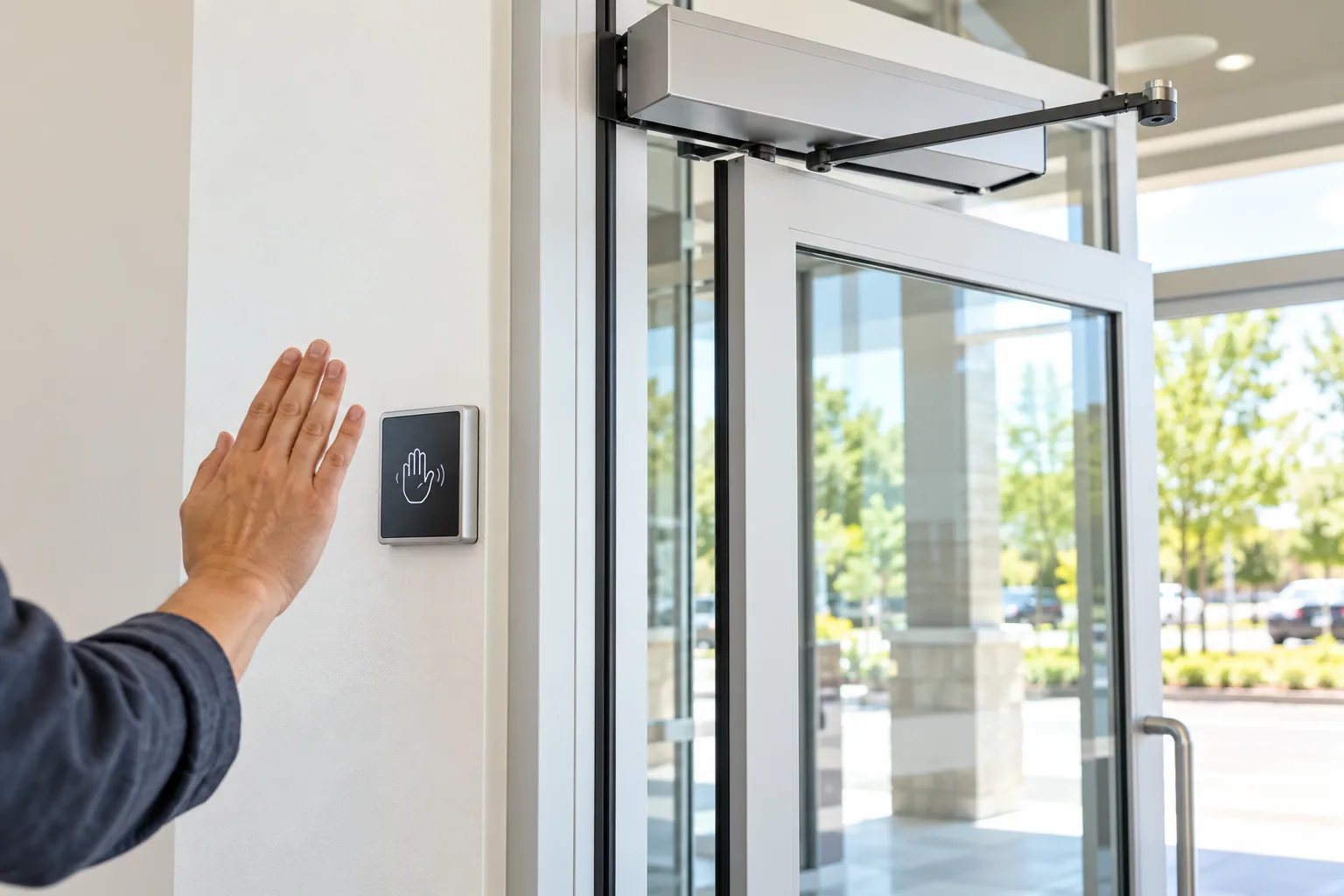
Hand approaching a touchless door switch
A touchless sensor can start the opening cycle when the system is designed for it.

Good to know · 02

Set the movement for the users

Speed, hold-open time and closing behaviour are configured for the hardware, its use and applicable requirements. Detection and safety devices depend on the door. Check these settings during commissioning and review them if the entrance's use changes.

Plan for maintenance and unusual conditions

Ask how manual operation works, what happens during an outage and what to do if the door jams. Report unusual sounds, erratic movement or failure to close. Schedule periodic checks following the manufacturer's recommendations.

Choosing the right system

Wave to open: a touchless switch

A proximity sensor can send a request when a hand approaches. It controls the device connected to it: a lock release, or a door-opening cycle if a compatible operator is installed. A request-to-exit button or sensor on its own does not move the door.

Apartment building, clinic or business: consider the full path

The aim is to make the entire passage easier. Assess how people reach the switch, the door swing, circulation in the vestibule and the time needed to pass through. Two consecutive doors require coordination based on their actual layout. Powered opening works alongside other accessibility features.

Frequently asked questions

Find out more.

What is a door that opens with a button called?

It is a door equipped with an automatic door opener, also called a powered door operator, activated by an accessible push button.

Is it only for wheelchair users?

No. Assisted opening can also help other people with reduced mobility, visitors with strollers and anyone carrying items.

Can a powered operator be added to an existing door?

Sometimes. An assessment must check the structure, mechanical condition, power supply and applicable accessibility and safety requirements.

Technical reference: manufacturer documentation. Features depend on the equipment and its configuration.

Your project, our support

Let's talk about your entrances.

One entrance or several doors: tell us about your building, its users and any equipment already in place.

Estimation gratuite

Remplissez ce formulaire et un conseiller vous contactera par téléphone et par courriel pour discuter des services et des produits qui répondent le mieux à vos besoins. Tous les champs sont obligatoires.

To use reCAPTCHA, you need to add the API Key and complete the setup process in Dashboard > Elementor > Settings > Integrations > reCAPTCHA.