💬 Un expert est disponible maintenant

03 / Electric strikes

Electric strikes: release the door on command.

An electric strike releases a door after an authorized badge scan, intercom call or command from reception.

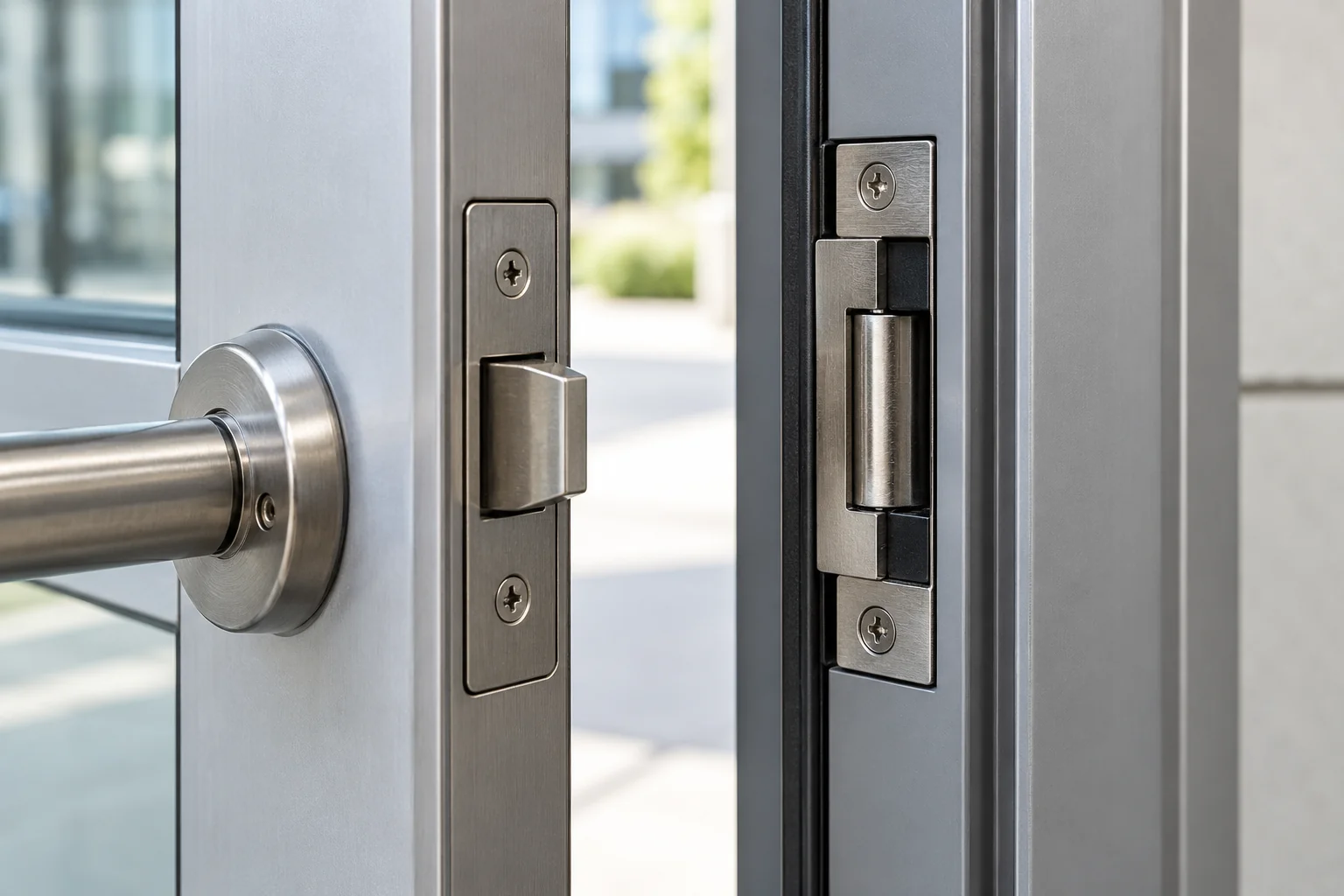
Electric strike visible in the frame of a partly open door
Illustrative image: the equipment proposed depends on the door and the installation.

The basics

The link between authorization and your door.

An electric strike is locking hardware mounted in the door frame opposite the lock's latch. Depending on its configuration, its movable part releases the latch after an authorized command. This allows passage, but it does not push the door open: powered opening requires a separate door operator. Check the lock and frame before selecting a strike.

How does it work?

01

Receive a command

A reader, intercom or button sends a request through the designated controller.

02

Release the latch

The strike changes state according to its configuration so the latch can disengage.

03

Close and relatch

The door returns to its closed position and the latch re-engages as designed.

Day to day

Strikes, locks and controls.

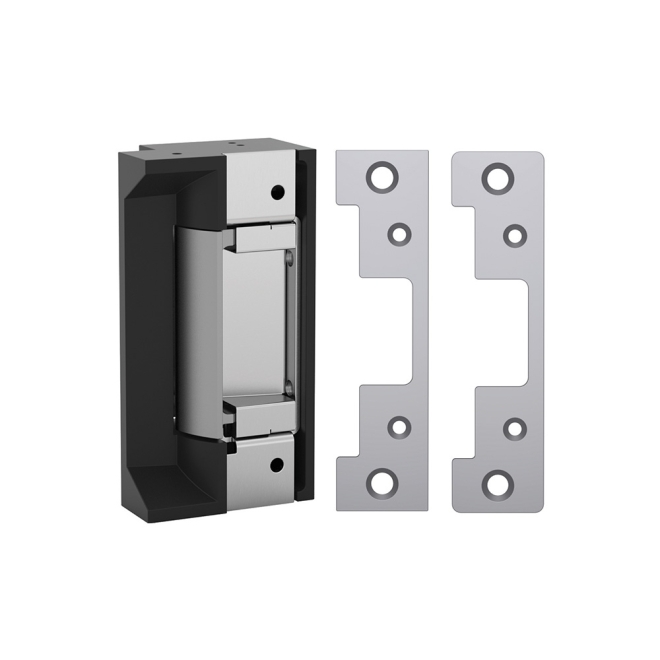
Example of an electric strike on a white background
Example hardware: a strike releases the latch but does not push the door open.

Good to know · 01

Practical everyday uses

A receptionist can authorize entry without leaving their desk. In an apartment building, a resident can release the door after answering the intercom. In a restricted area, a badge reader can authorize entry based on the user's permissions.

Check the door before choosing a strike

The right strike depends on the frame, lock, latch, door swing and available space. Inspect a door that rubs, closes poorly or stays under pressure: an electric release will not fix a mechanical problem. Compatibility with a fire-rated door must be checked specifically.
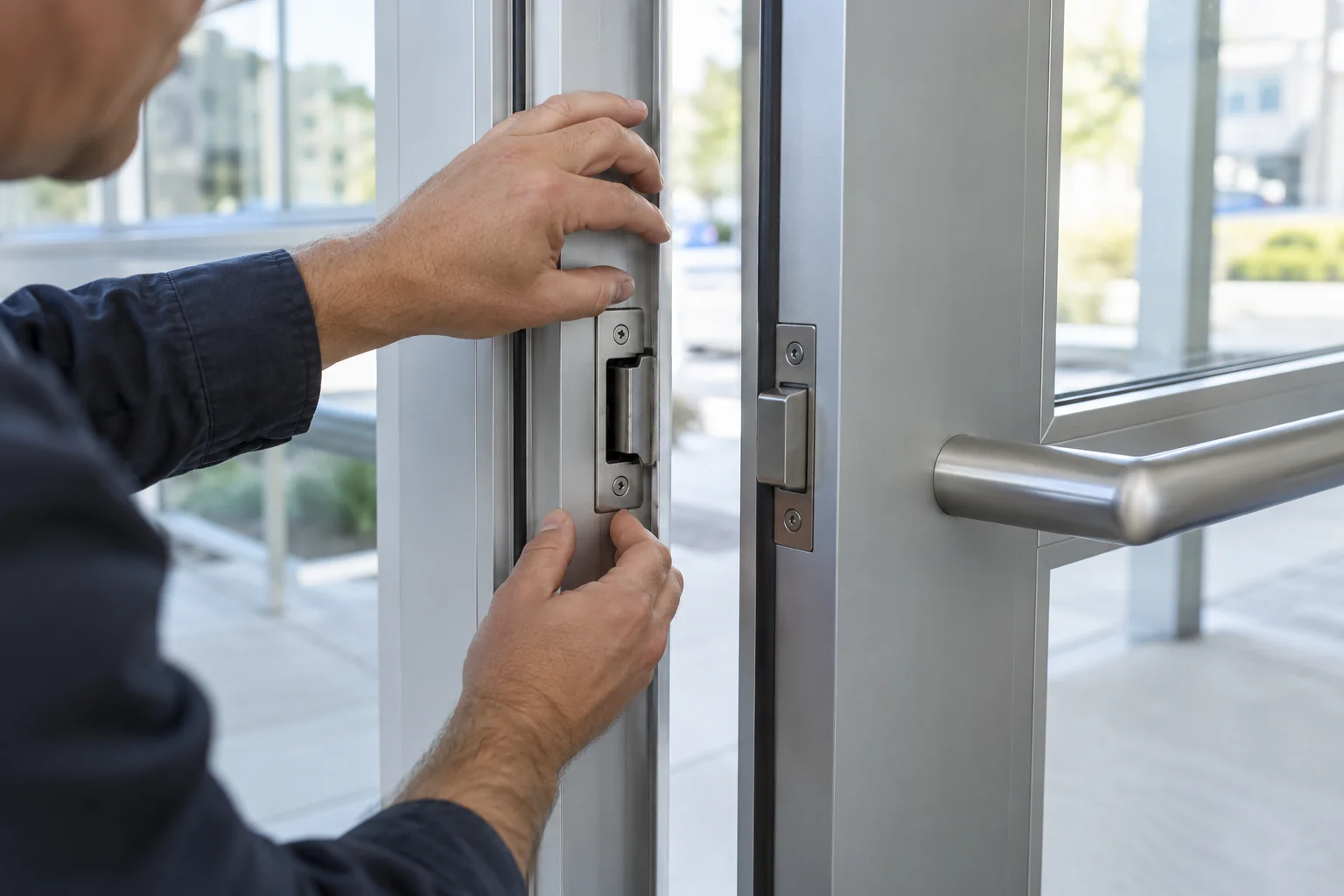
Illustration of checking an electric strike's alignment in a door frame
Illustrative image: verify alignment, the latch and closing action on site.

Good to know · 02

Plan for a power outage

Depending on the hardware and installation, a door may remain locked or unlock when power fails. This choice cannot be based on security preference alone: consider how the door is used, emergency egress and applicable requirements. Evaluate exit from the inside separately.

Electric strike, electrified lock or magnetic lock?

These devices work differently. A strike releases the latch at the frame; an electrified lock acts within the lock; a magnetic lock holds the door shut through magnetic force. Installation and egress requirements vary, so they are not interchangeable without evaluating the door.

Choosing the right system

Reception button, intercom and badge: one door

One door can accept several authorized commands. For example, staff may use key fobs while reception releases the entrance for visitors. The system should manage release time and, if the hardware allows, report a door held open. A door position contact helps distinguish a release command from the door's actual closed state.

Confirm reliable closing on site

During commissioning, check authorized entry, door closing and relatching. Test exit from inside and the intended response to a power failure. Correct a door that will not close before considering the installation complete.

Frequently asked questions

Find out more.

Does an electric strike open the door automatically?

No. It releases the latch. A compatible automatic door operator is needed to move the door itself.

Can I keep a mechanical key?

In some configurations, yes. Check the existing lock and cylinder before confirming it.

Can one be installed on any door?

No. The model must suit the lock, frame and door constraints. A site visit identifies any required modifications.

Technical reference: manufacturer documentation. Features depend on the equipment and its configuration.

Product image: Robert Brooke — HES 5000.

Your project, our support

Let's talk about your entrances.

One entrance or several doors: tell us about your building, its users and any equipment already in place.

Estimation gratuite

Remplissez ce formulaire et un conseiller vous contactera par téléphone et par courriel pour discuter des services et des produits qui répondent le mieux à vos besoins. Tous les champs sont obligatoires.

To use reCAPTCHA, you need to add the API Key and complete the setup process in Dashboard > Elementor > Settings > Integrations > reCAPTCHA.