💬 Un expert est disponible maintenant

02 / Intercoms

Video intercoms: answer before you open.

See who is visiting, speak with them and release the door from a designated station or remotely when the system supports it.

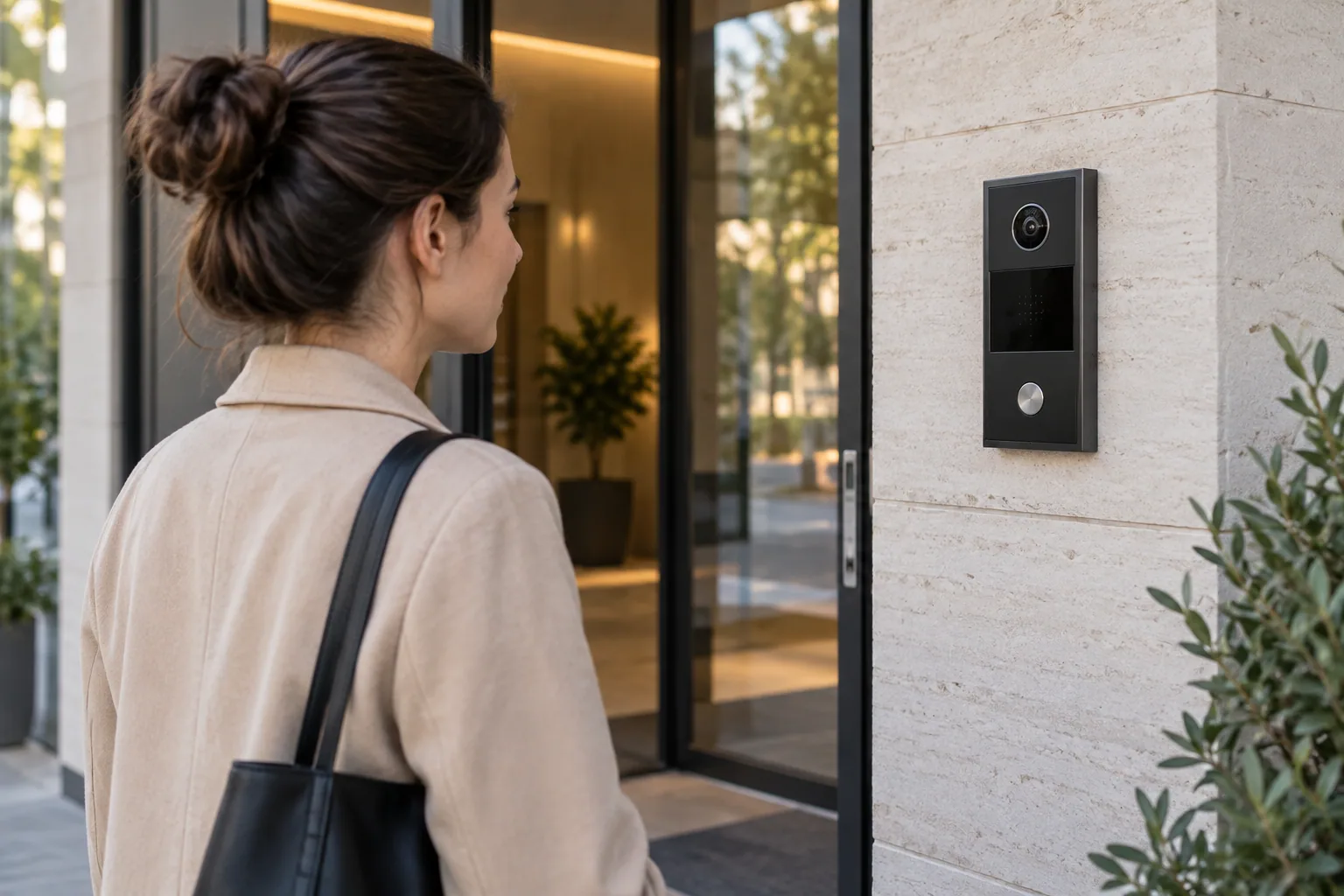
Visitor using a video intercom beside a glass entrance
Illustrative image: the equipment proposed depends on the door and the installation.

The basics

Welcome visitors while keeping the door secure.

An intercom connects a visitor with someone authorized to answer. Audio models enable conversation; video models also show the entrance. A command may then release a compatible strike or lock. The intercom does not replace the door's locking hardware. The number of units or recipients, the door and the available wiring all influence the choice of system.

How does it work?

01

A visitor calls

They press a button or select the unit or recipient from an available directory.

02

You respond

An indoor station, reception desk or compatible app receives the call. Video depends on the model.

03

You release the door

After checking the visitor, you can command the door to unlock if that feature has been installed and enabled.

Day to day

From the entrance panel to the person answering.

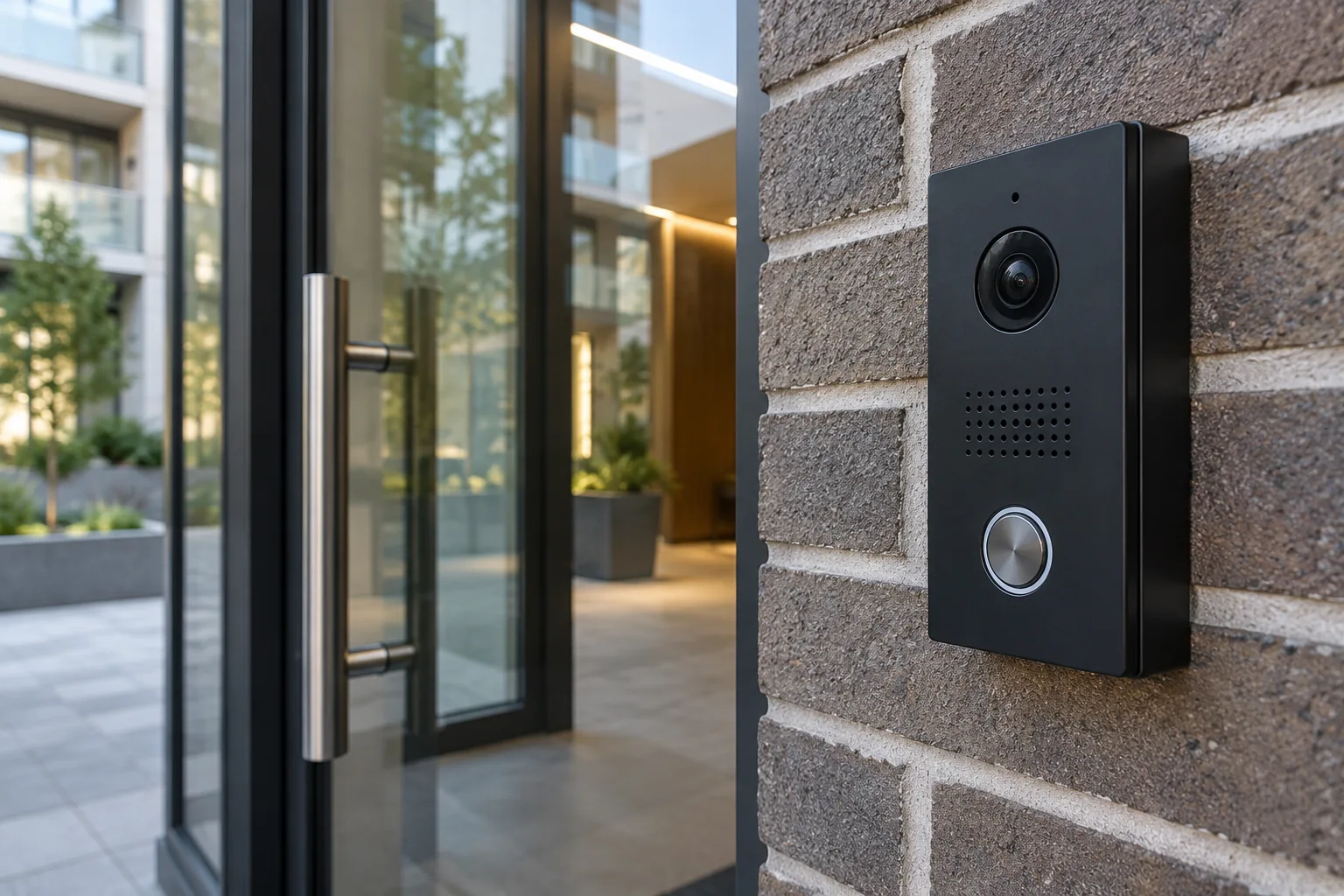
Video intercom installed beside a glass door
A video intercom lets you see and speak with a visitor.

Good to know · 01

Apartment buildings: route visitor calls

A multi-unit system can route calls to occupants and simplify directory updates. Decide who maintains the names, how calls are delivered and what happens when a resident does not answer.

Businesses: welcome visitors and deliveries

A secondary or delivery entrance can stay controlled while visitors contact staff. Set up recipients by schedule, and establish who can release the door after confirming the reason for a visit.
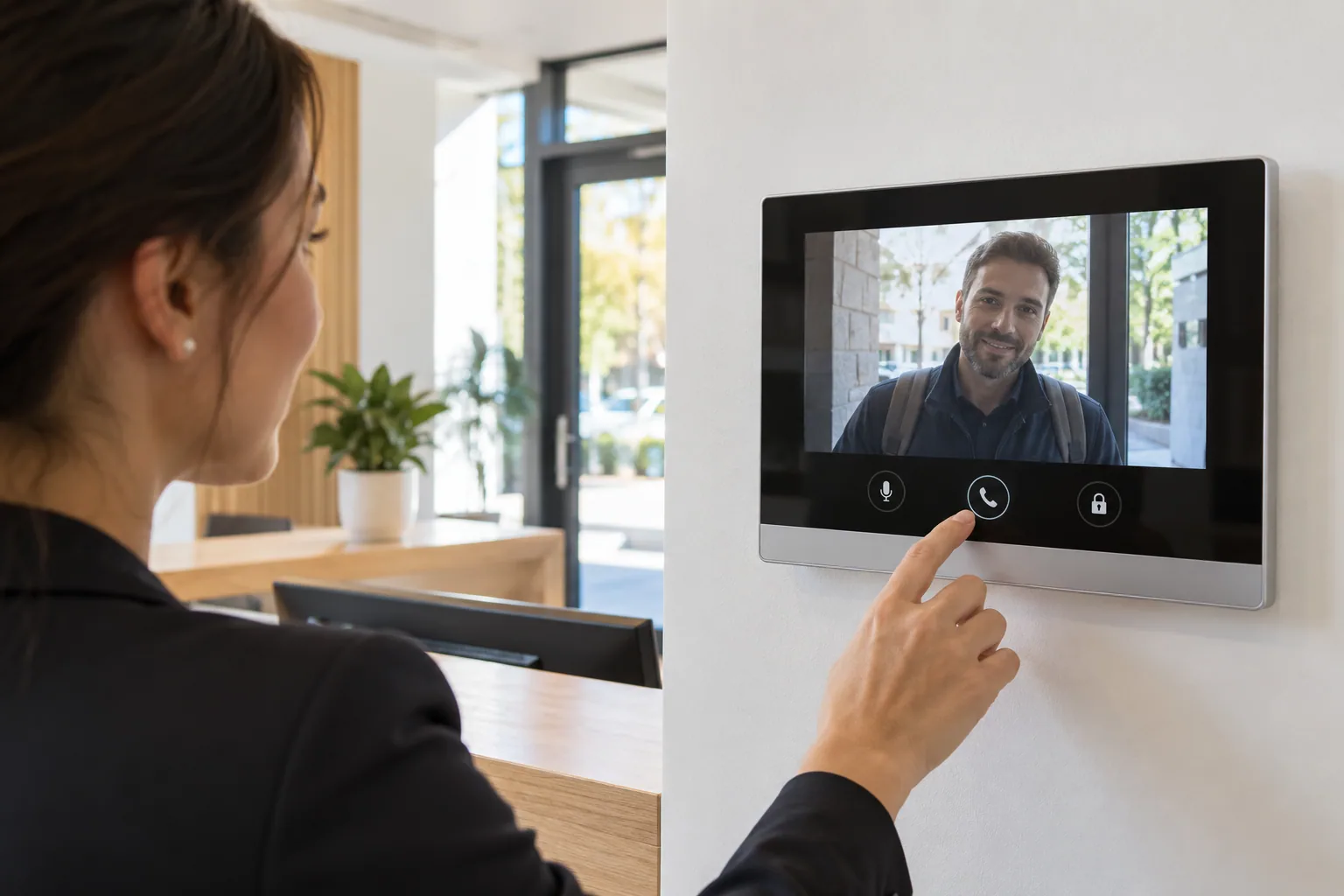
Answering a video call on an indoor monitor
An authorized person can answer and, if the door is equipped, release its lock.

Good to know · 02

Indoor monitor or phone?

Some systems use an indoor monitor; others use a phone connection or app. Remote operation depends on the network, accounts and sometimes a subscription. Also check what happens if the Internet connection or recipient's phone is unavailable.

Plan for clear video and audio

Device placement, lighting, background noise and exposure to weather affect everyday use. The directory should be readable and controls accessible. Choose the location with the people who actually use the entrance in mind.

Choosing the right system

Hikvision intercom: indoor screen and app

As one example, Hikvision's DS-KH6320Y-WTE2 monitor documentation describes call answering, video viewing and remote door release through Hik-Connect. These features require a compatible, correctly configured installation. Confirm the entrance panel, lock control and services for each project.

IP or two-wire installation: start with the existing wiring

A retrofit starts by inspecting existing conductors, cable runs, power and the number of recipients. A two-wire design may suit some projects, but it requires compatible components. The chosen system also needs practical user management and maintenance. Do not assume that all old wiring can be reused.

Frequently asked questions

Find out more.

Can I answer on my phone?

Yes, with certain systems and compatible services. Confirm phone answering for the equipment you choose.

Does a video intercom record visitors?

Not necessarily. Live video, event history and recording are separate features. Check the available options and retention rules.

Can a badge reader be added?

Depending on the system, a reader can be built in or installed separately. Residents or staff then use credentials, while visitors call through the intercom.

Technical reference: manufacturer documentation. Features depend on the equipment and its configuration.

Your project, our support

Let's talk about your entrances.

One entrance or several doors: tell us about your building, its users and any equipment already in place.

Estimation gratuite

Remplissez ce formulaire et un conseiller vous contactera par téléphone et par courriel pour discuter des services et des produits qui répondent le mieux à vos besoins. Tous les champs sont obligatoires.

To use reCAPTCHA, you need to add the API Key and complete the setup process in Dashboard > Elementor > Settings > Integrations > reCAPTCHA.