💬 Un expert est disponible maintenant

01 / Access control

Badge, key fob and PIN access control.

Cards, key fobs and PINs: assign each person the doors and hours that match their role.

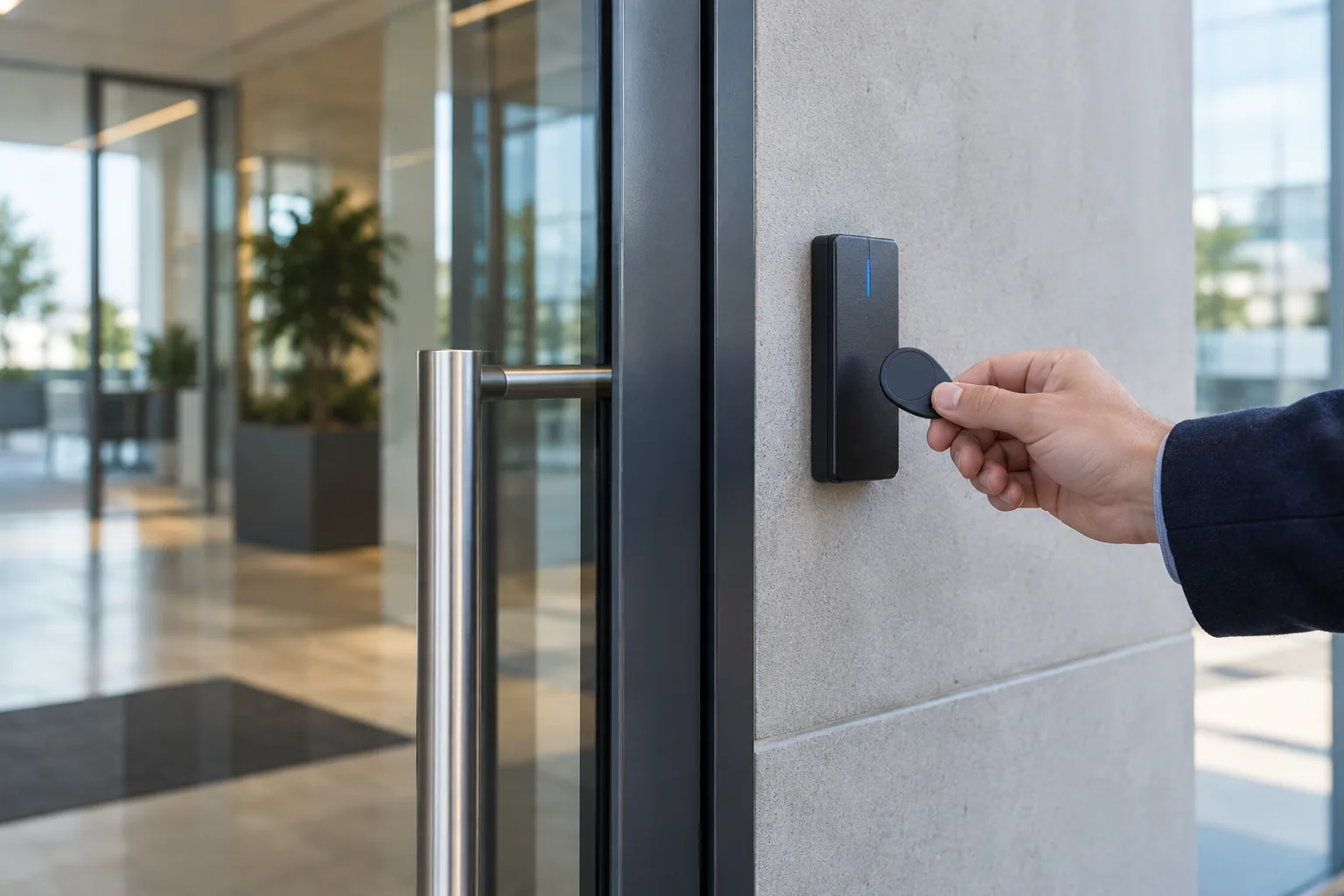
Hand holding a key fob up to a reader beside a glass entrance
Illustrative image: the equipment proposed depends on the door and the installation.

The basics

Individual access for every user.

A badge or key fob presents a credential to a compatible reader. Depending on the system, the reader or a controller checks its permissions and commands the lock to release. The credential does not replace the lock or the other door components. The number of entrances and how users will be managed help determine the right system.

How does it work?

01

Present a credential

The user holds their card or key fob near a compatible reader.

02

Check permissions

The system checks authorized doors, schedules and whether the credential is active.

03

Allow entry

If access is approved, the system releases the lock for the configured period.

Day to day

Readers, credentials and access management.

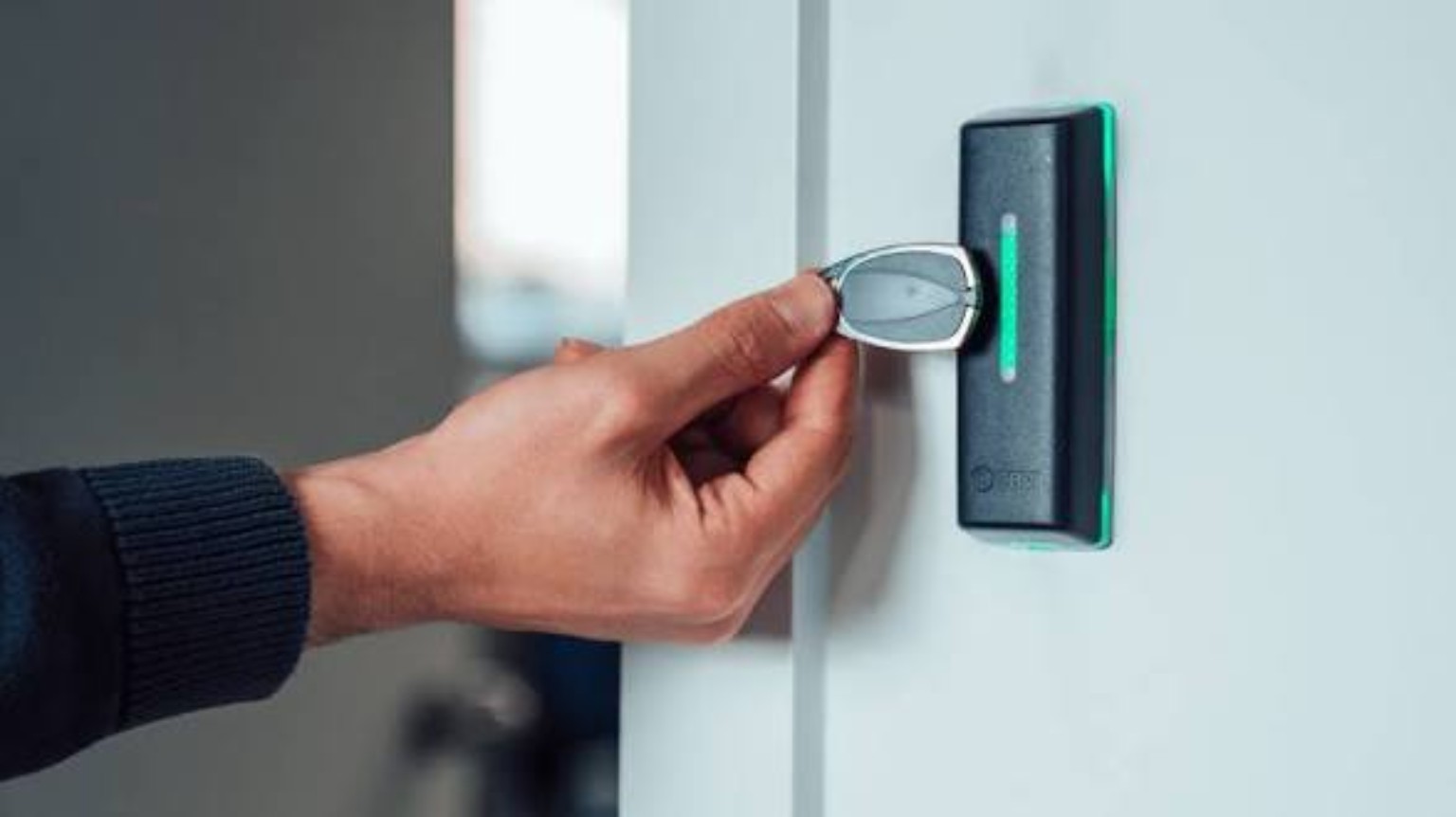
Hand holding a key fob near an access reader
Key fob access: a separate credential for each user.

Good to know · 01

Permissions that match the occupants

In an apartment building, a resident may use the main entrance and only the shared areas assigned to them. In a business, staff may have different access hours from managers. Permissions must match the doors that are actually equipped and the features of the chosen system.

Add, change or revoke access

Give each person their own credential. When someone leaves or loses a badge, an authorized administrator can revoke its permissions and issue a replacement. Avoid shared badges: they make access events harder to interpret.
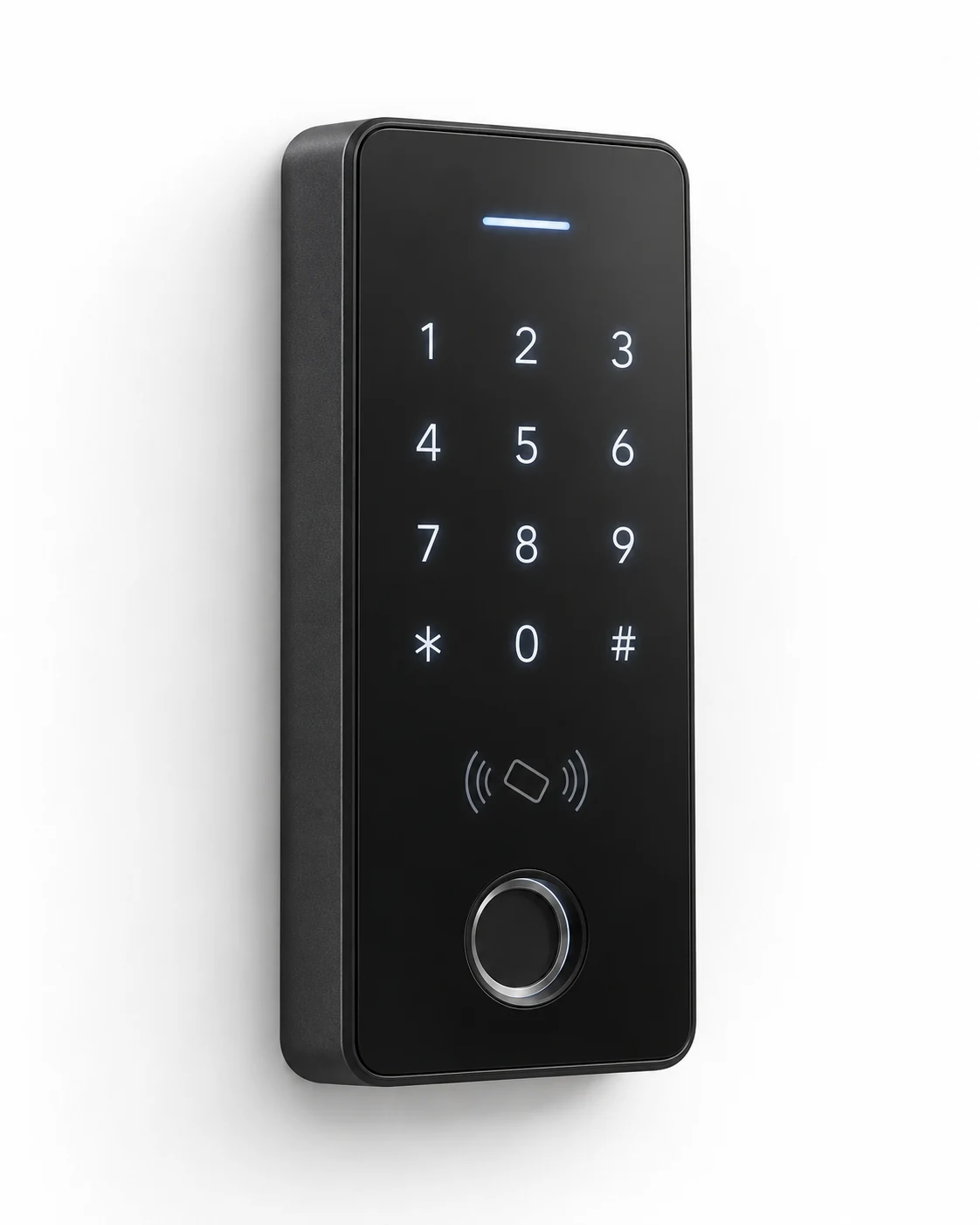
Illustrative access reader with a keypad, badge sensor and scanner
Illustrative multi-function reader on a white background. Features and models are chosen based on requirements and compatibility.

Good to know · 02

Choose readers and credentials together

Not every key fob works with every reader. Formats, protocols and security mechanisms must be compatible. Some systems also accept PINs or mobile credentials. Confirm these options before purchasing, rather than assuming existing fobs can be reused.

Review relevant access events

Depending on the system, an event log may record access granted or denied and door alerts. An approved command alone does not prove who physically entered. A door contact can provide additional information about when the door opened or closed.
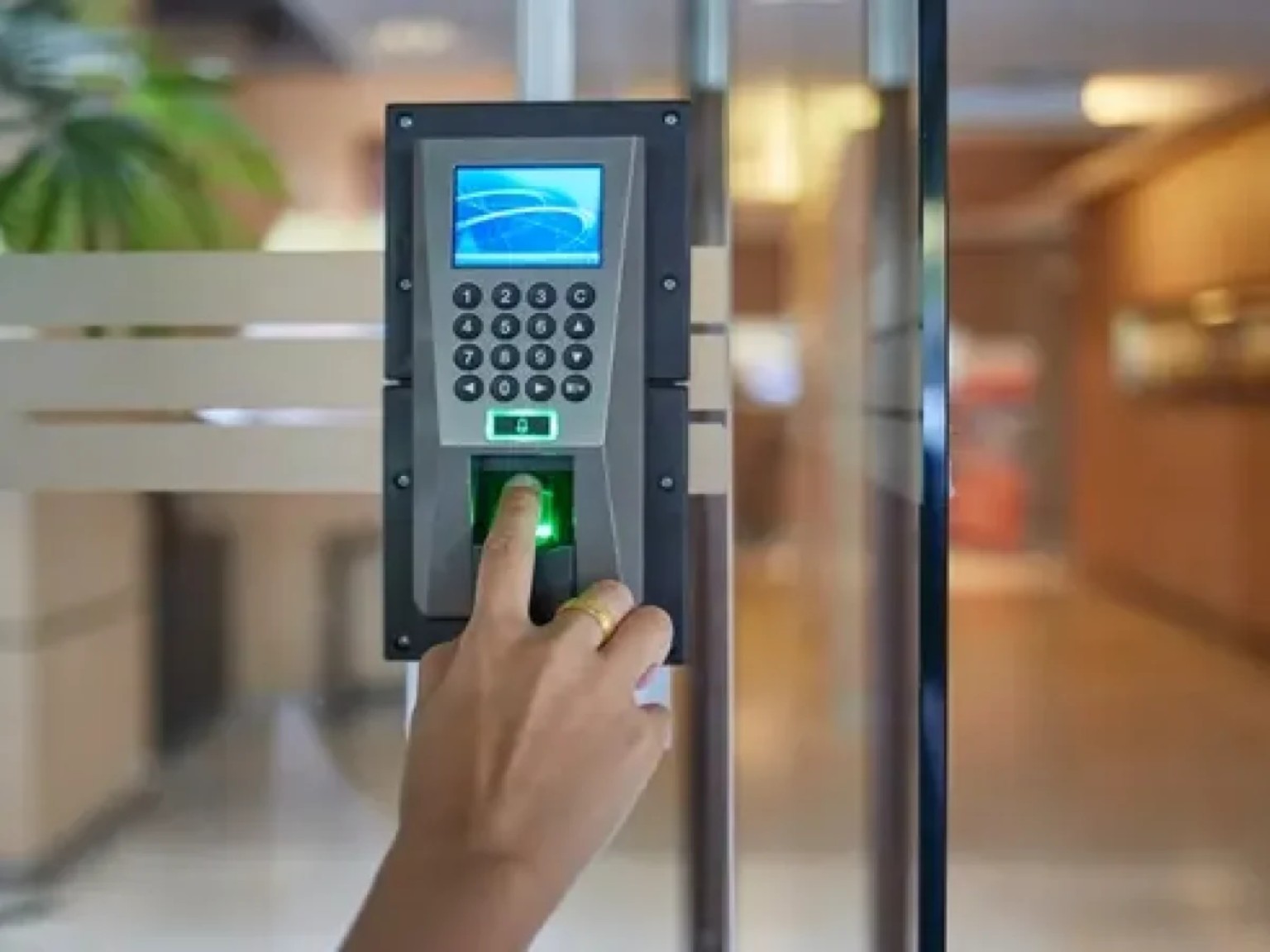
Fingerprint identification on an access reader
Biometric readers call for an assessment of the need and the data involved.

Good to know · 03

PIN keypad: card-free access

A keypad lets users enter an individual PIN. Where supported, set a different PIN for each person, limit it to the doors they need and revoke it when no longer required. A shared PIN is easy to pass on and makes event records less useful. Temporary PINs and schedules depend on the installed controller.

Biometrics: an option to assess carefully

Some readers offer biometric identification. Before choosing it, assess whether it is needed, how personal data will be protected and which requirements apply. A card, key fob or PIN may meet the need without biometrics. The image illustrates this type of device and is not a model recommendation.

Frequently asked questions

Find out more.

Can one key fob open several doors?

Yes, if the doors use a compatible system and the user's permissions allow it.

Do all locks need replacing if a fob is lost?

An administrable system will usually allow a lost credential to be revoked. The exact procedure depends on the installation; report the loss promptly.

Can it work with Alarm.com?

Some access control systems can integrate with Alarm.com. The controller, readers and selected service must be checked; integration is not automatic for every device.

Technical reference: manufacturer documentation. Features depend on the equipment and its configuration.

Your project, our support

Let's talk about your entrances.

One entrance or several doors: tell us about your building, its users and any equipment already in place.

Estimation gratuite

Remplissez ce formulaire et un conseiller vous contactera par téléphone et par courriel pour discuter des services et des produits qui répondent le mieux à vos besoins. Tous les champs sont obligatoires.

To use reCAPTCHA, you need to add the API Key and complete the setup process in Dashboard > Elementor > Settings > Integrations > reCAPTCHA.